This case study is password protected

NDA-sensitive internship work. Enter the passcode to view.

Incorrect passcode. Try again.

Home Work Play Contact
Vera Healthcare
Internship · 2026

Vera Healthcare

Building the visual language of an AI-powered healthcare startup — from the product interface to the system behind it.

At Vera, I worked across product design, design systems, and visual communication — shaping both what the platform looked like and how it talked to the world. This isn't a traditional case study. It's a look at what it means to be the designer at a company where the work lives everywhere at once.

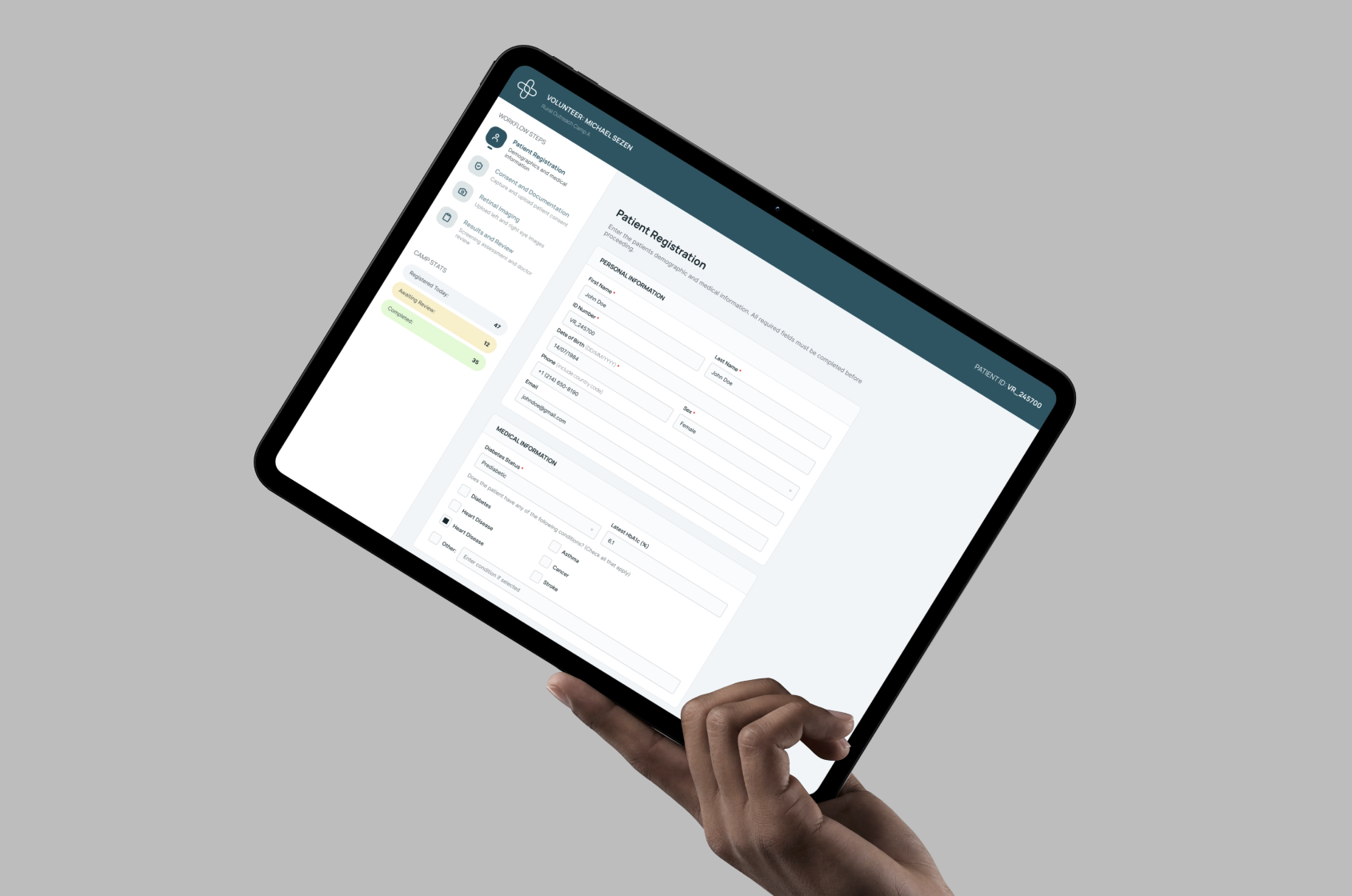
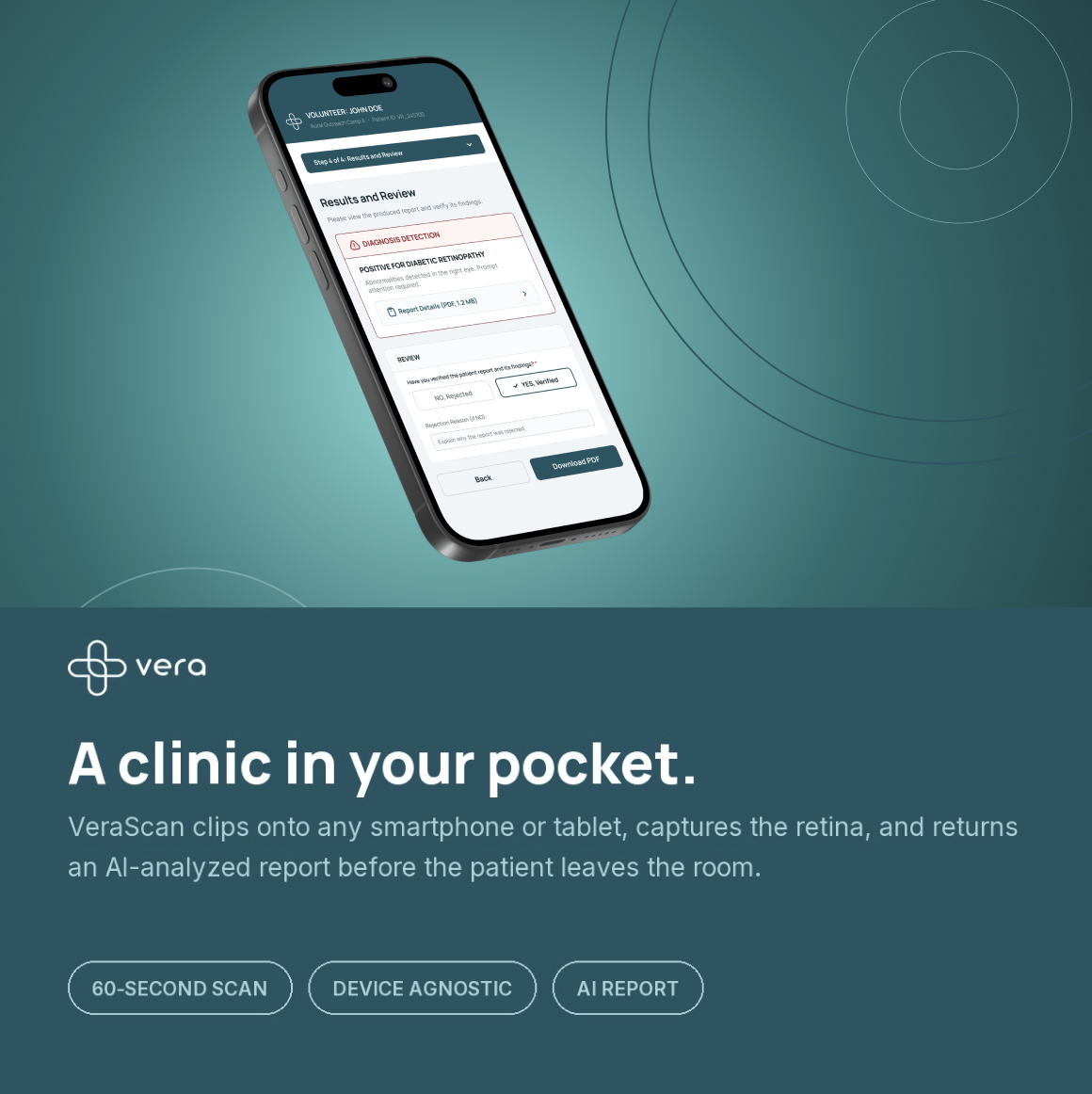
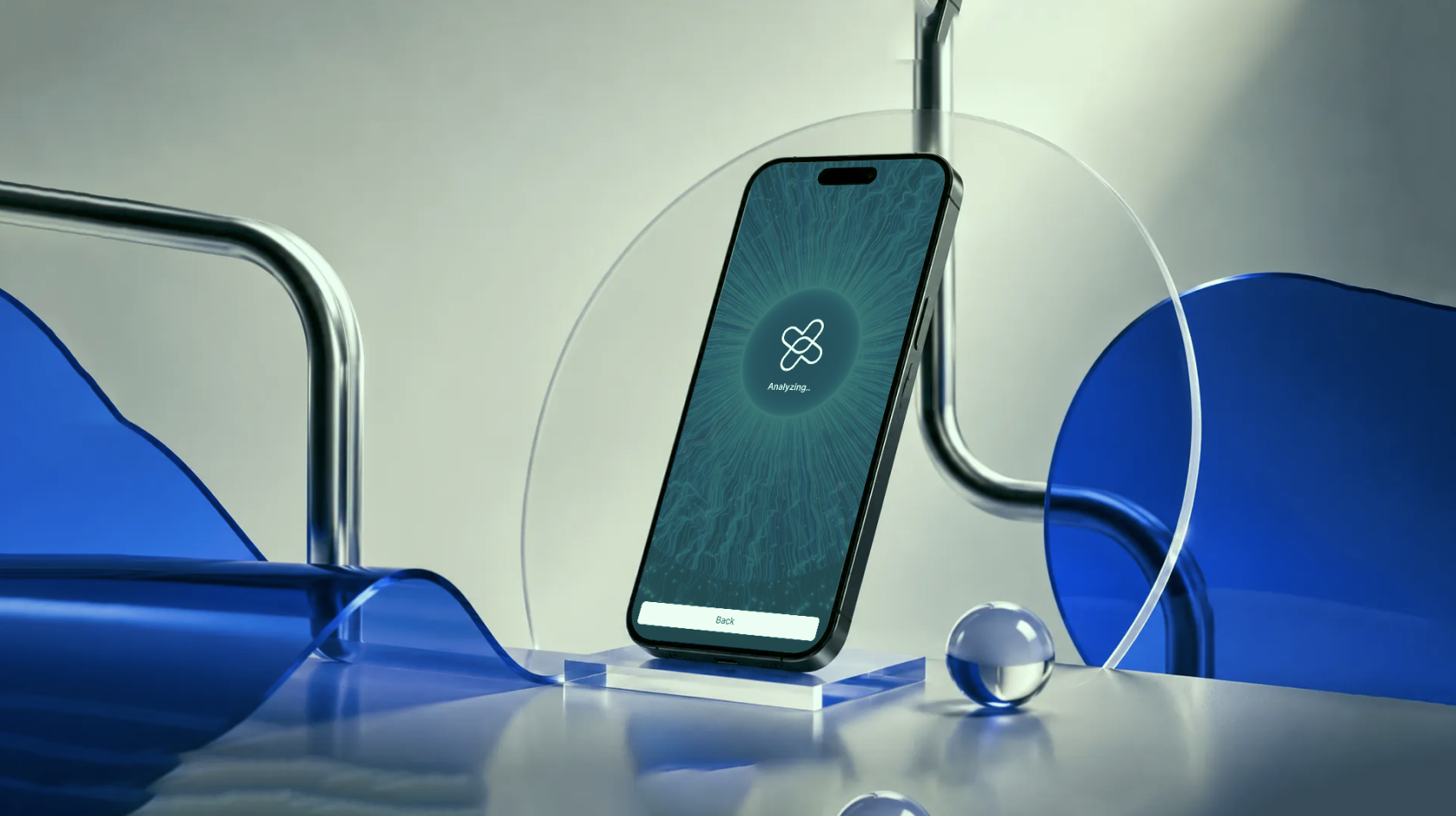
Vera Healthcare — app mockup
Role Design Intern — Product + Visual Design
Team Vera Healthcare
Timeline 2026
Focus Product Design · Design Systems · Visual Identity · Marketing
Tools Figma · Adobe Suite · Canva

01

Context

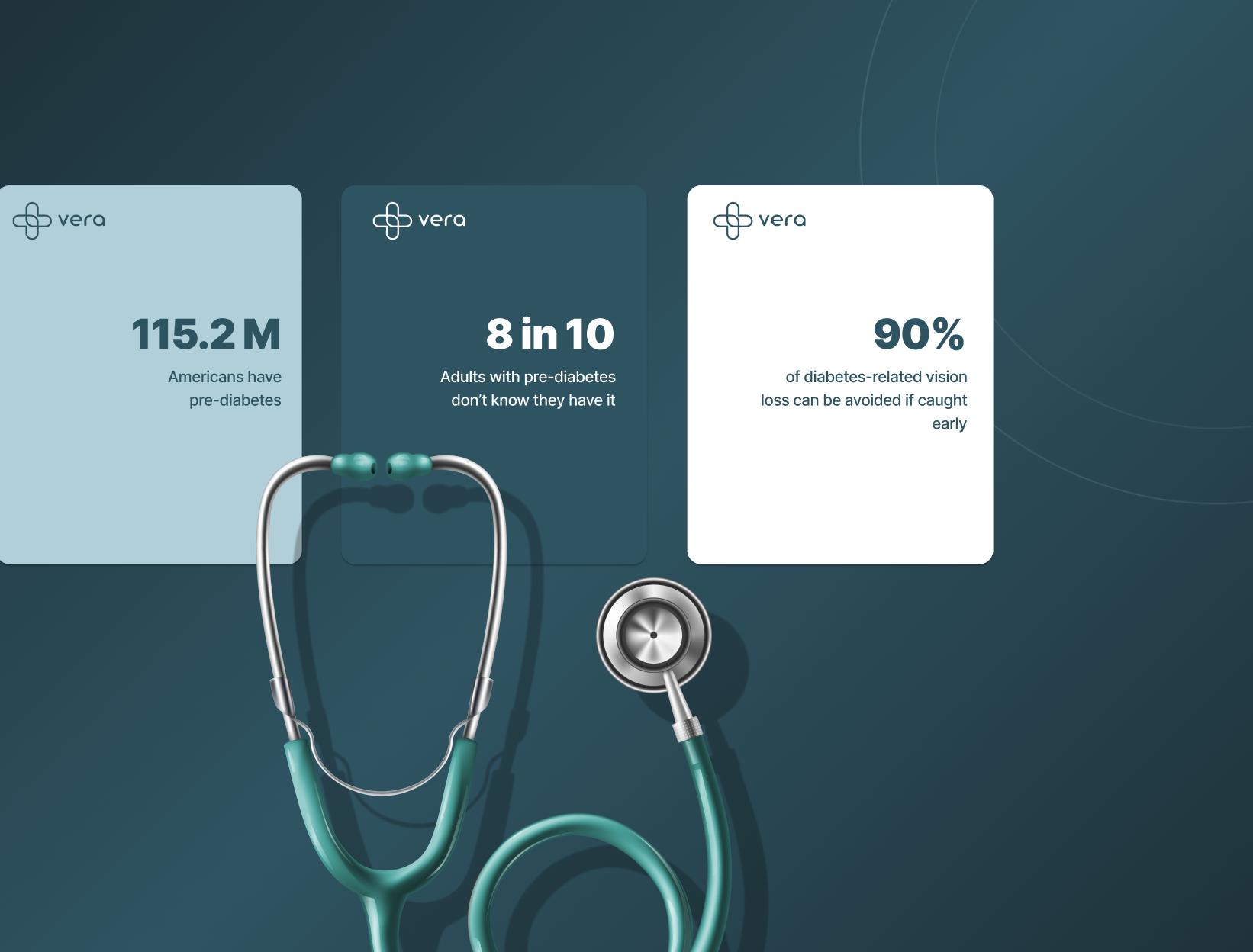
Vera Healthcare is an AI-powered diagnostic company building VeraScan — the world's first AI model that detects pre-diabetes and diabetic retinopathy from a simple photo of the eye. The product works on any smartphone or tablet, requires no dilation, and returns clinician-ready results in under 60 seconds. With 115.2 million Americans living with pre-diabetes and 8 in 10 not knowing it, Vera's mission is early, affordable, and scalable detection.

As a design intern, I wasn't handed one task. I was handed the whole design surface — product screens, a design system, and everything the brand needed to communicate externally.
01 Designed product screens and key user flows for both the mobile app and tablet volunteer platform.
02 Built and maintained a design system covering color, typography, icons, and components.
03 Created all visual communication — LinkedIn banners, social graphics, and healthcare-specific data visuals.
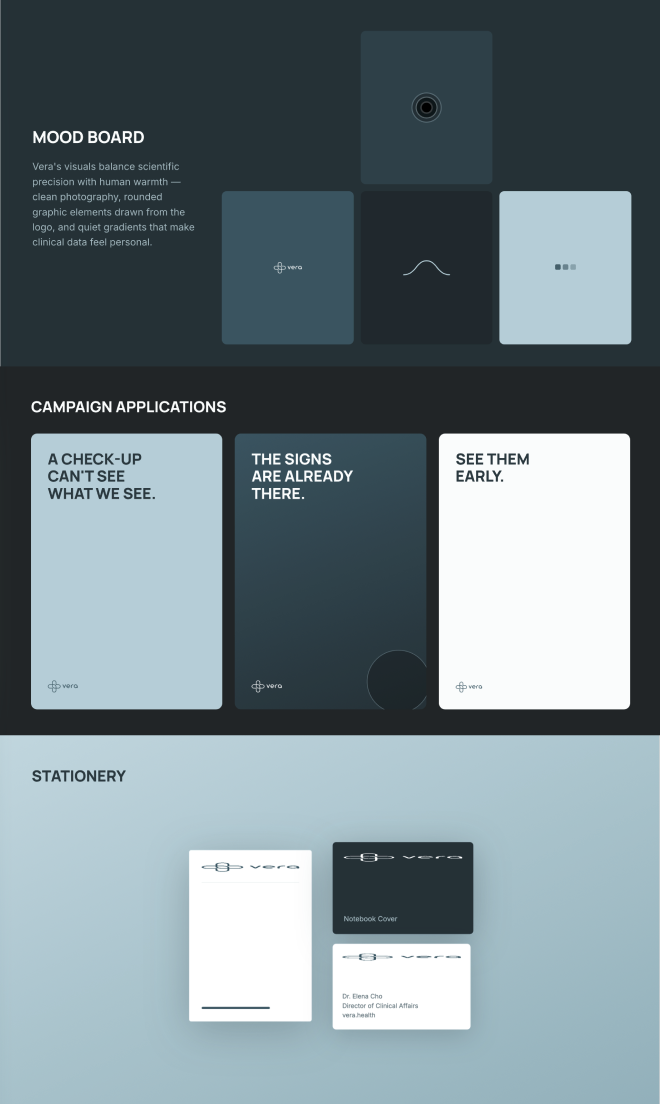
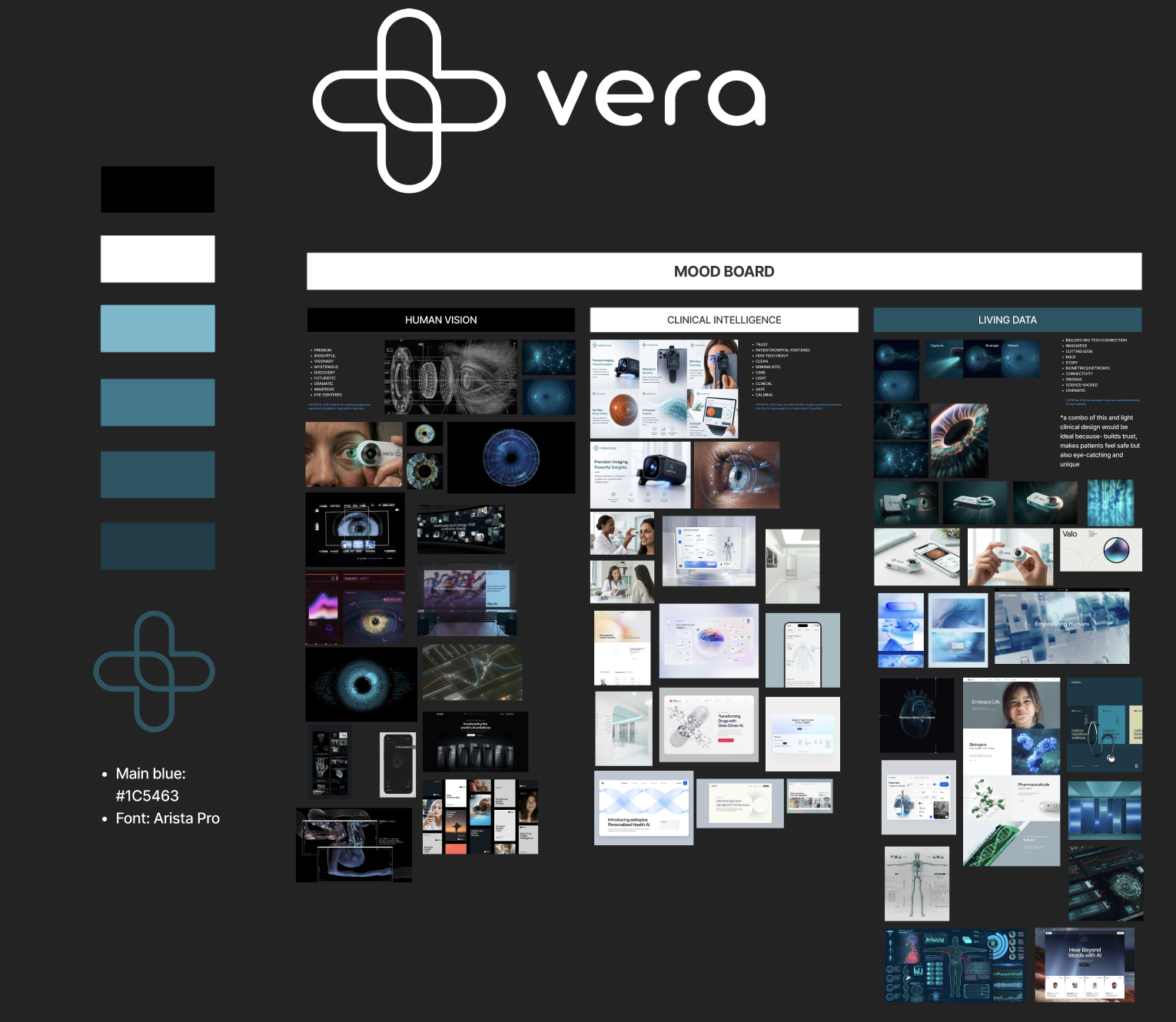
Vera — brand moodboard and direction
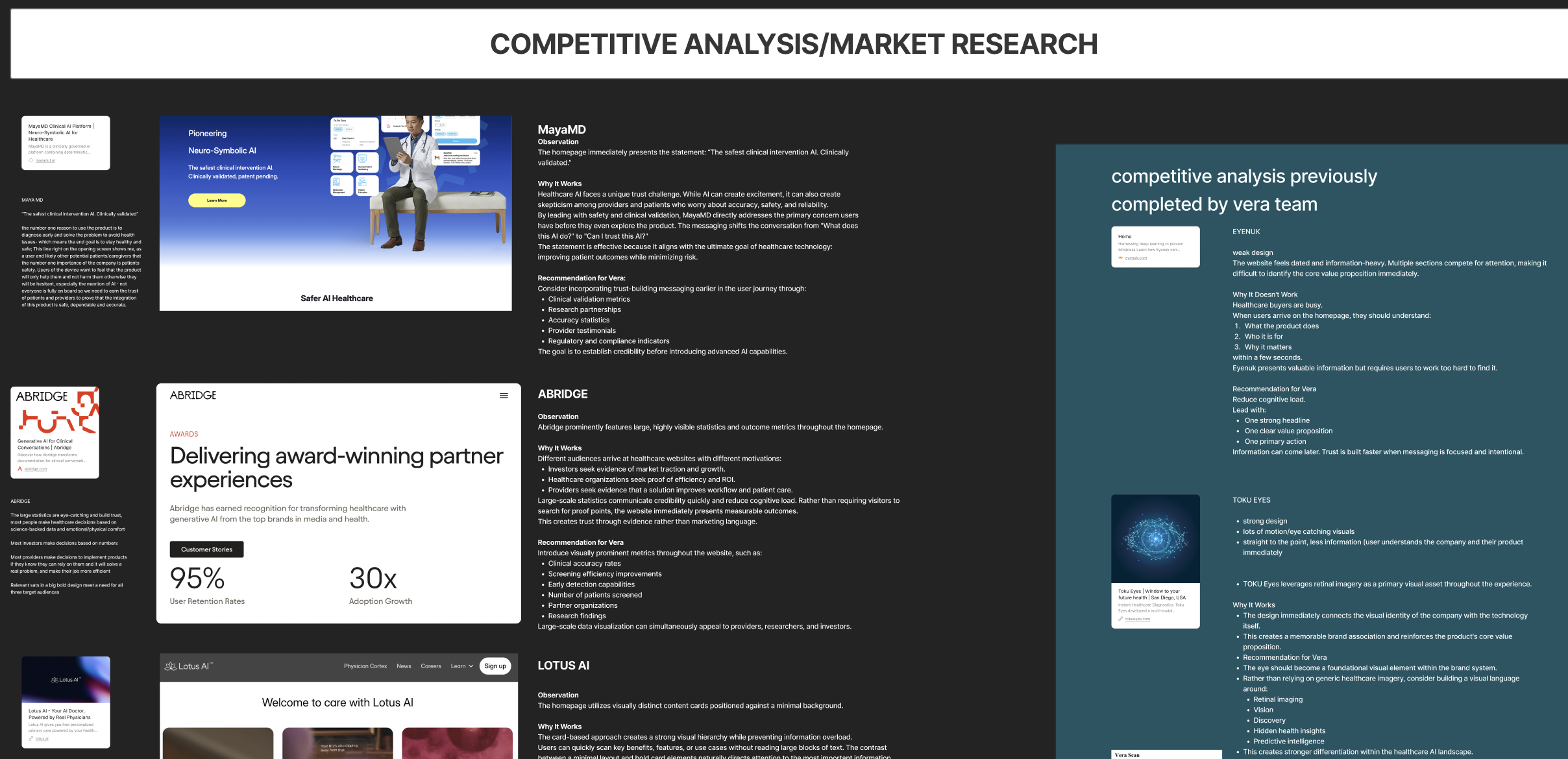
Vera — competitive analysis
Competitive Analysis
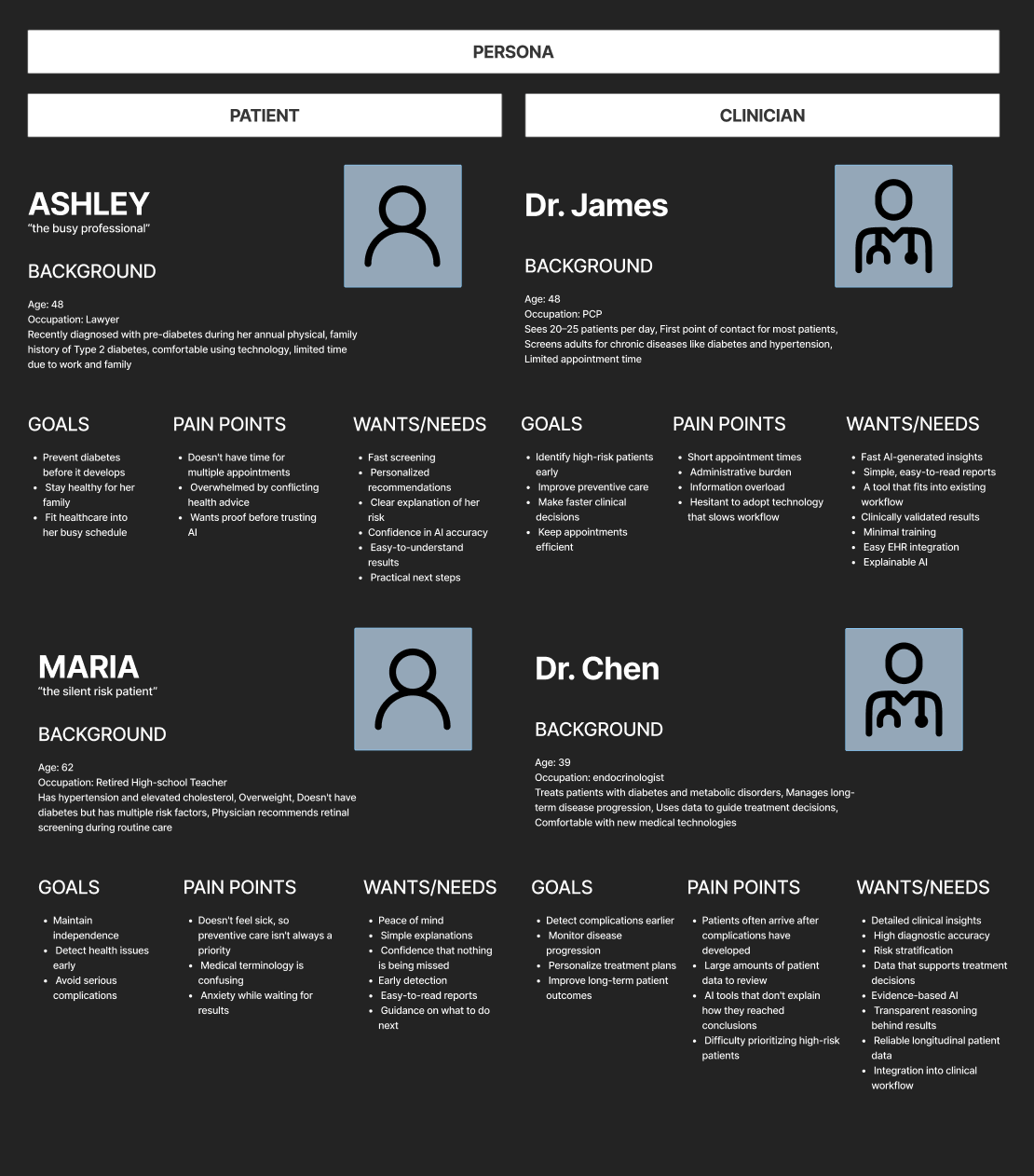
Vera — user personas
User Personas
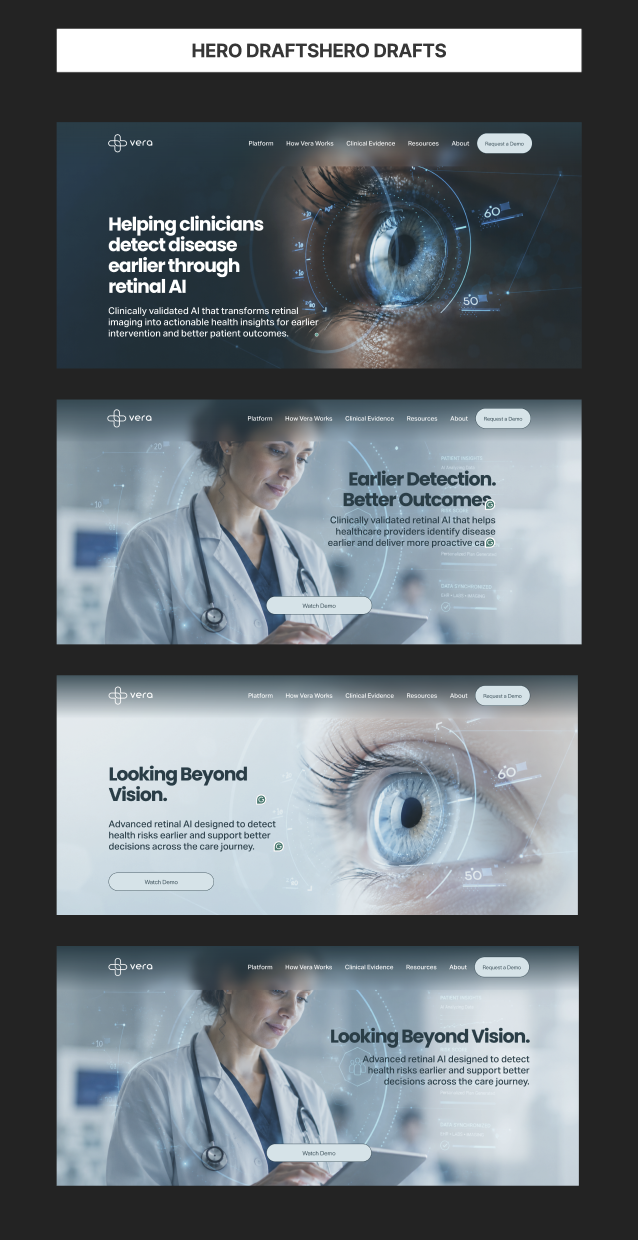
Vera — website hero explorations
Website Hero Explorations
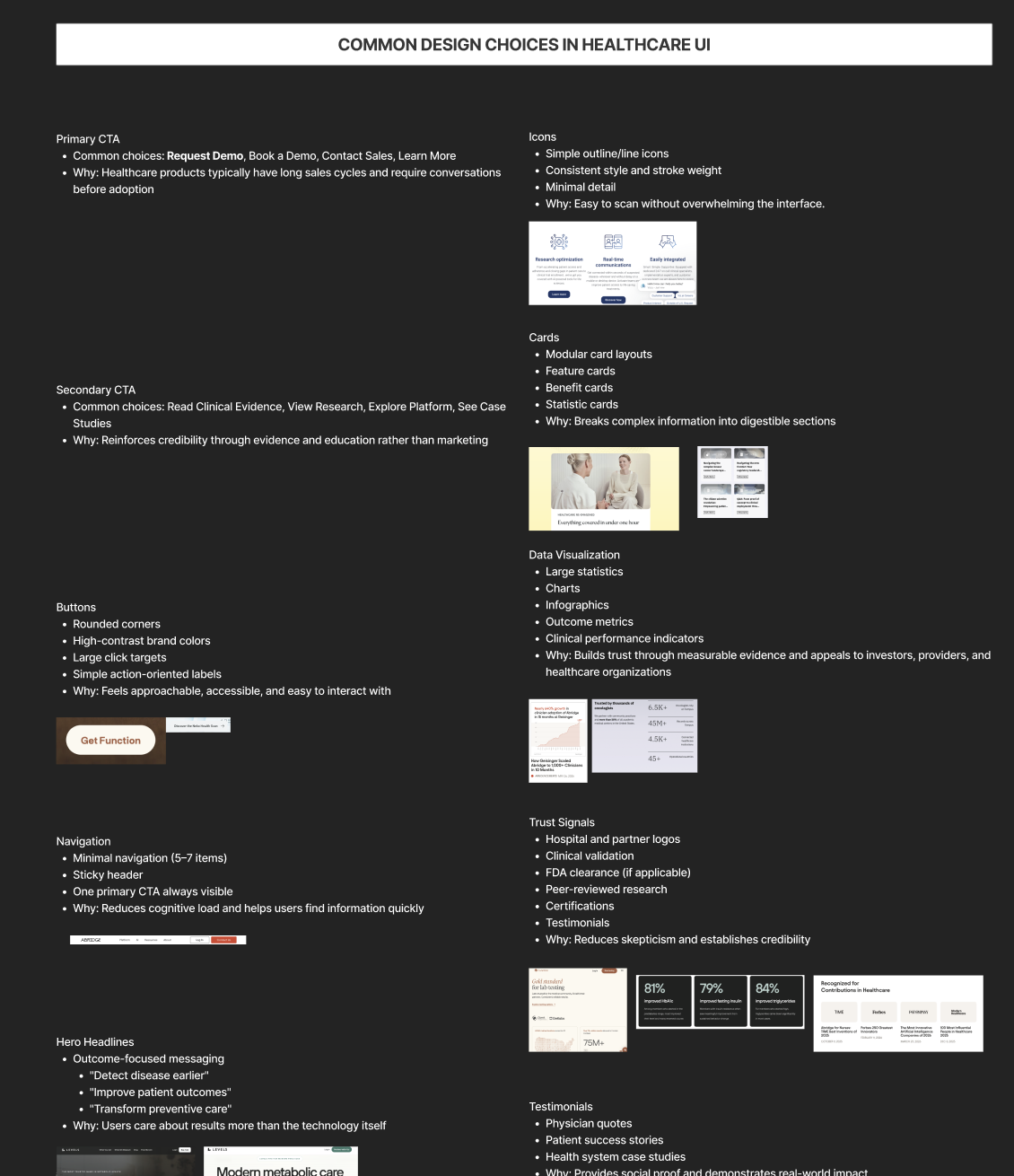
Vera — UI research
Common UI Research

02

Product

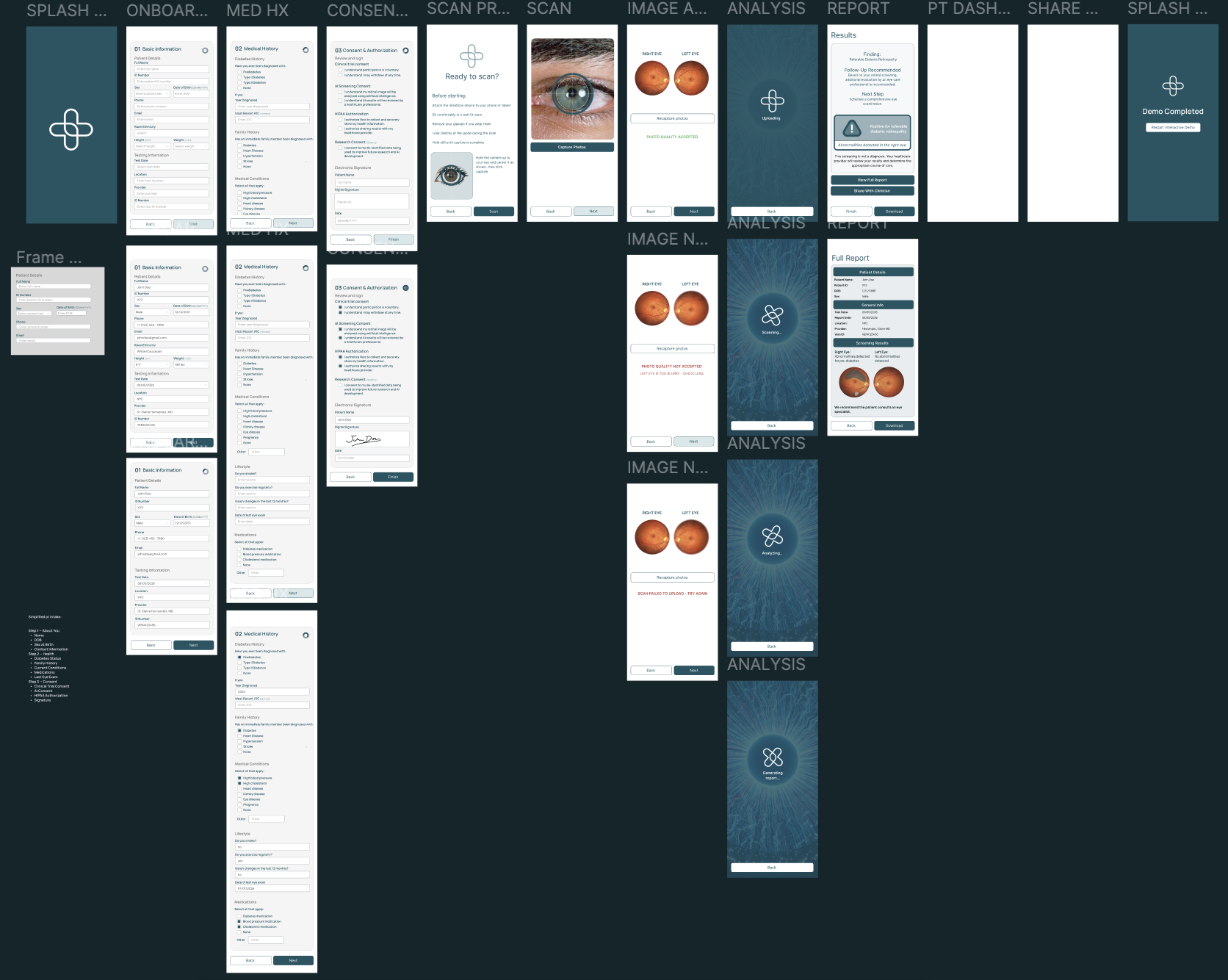
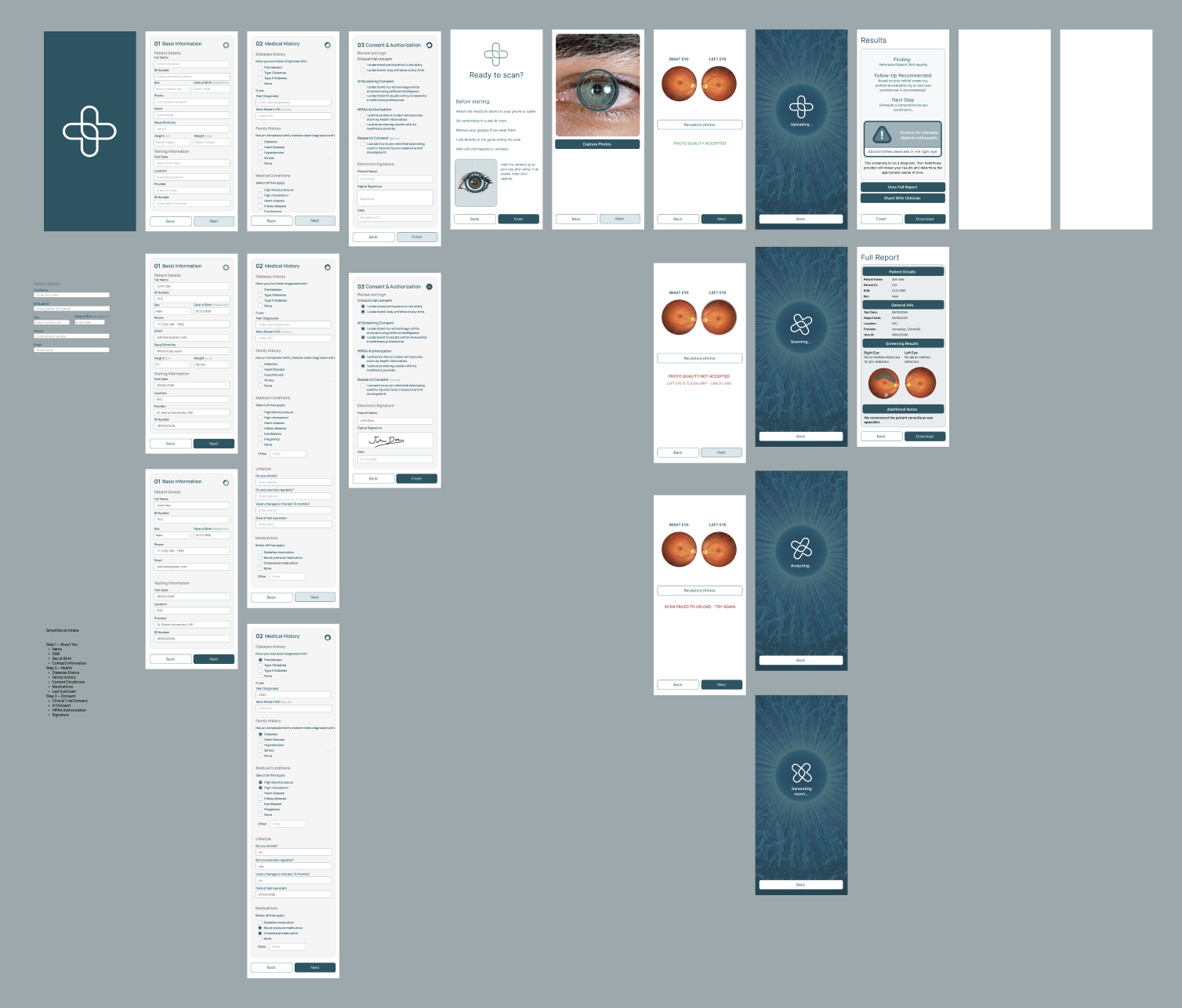
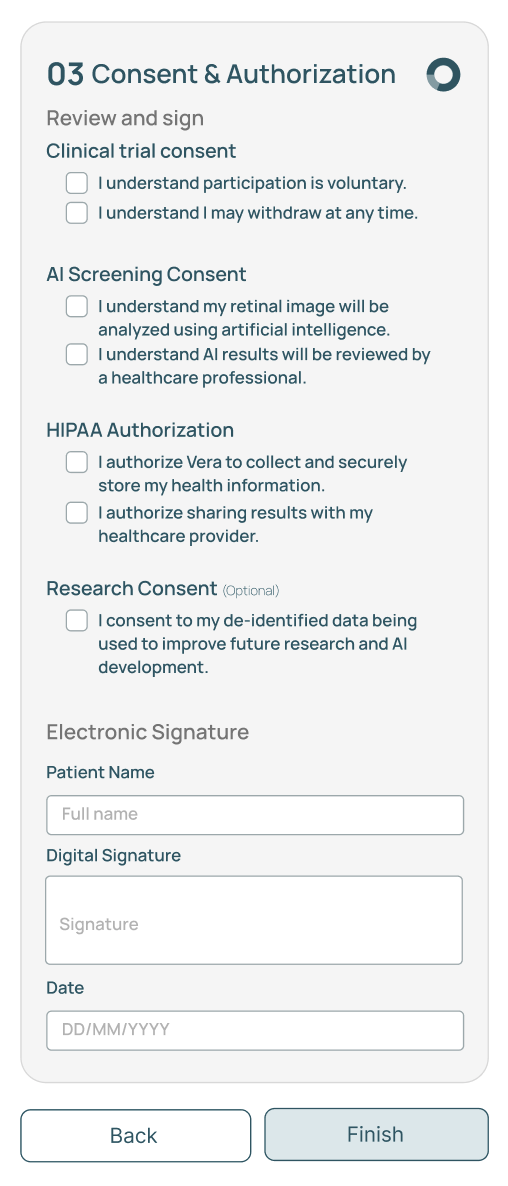
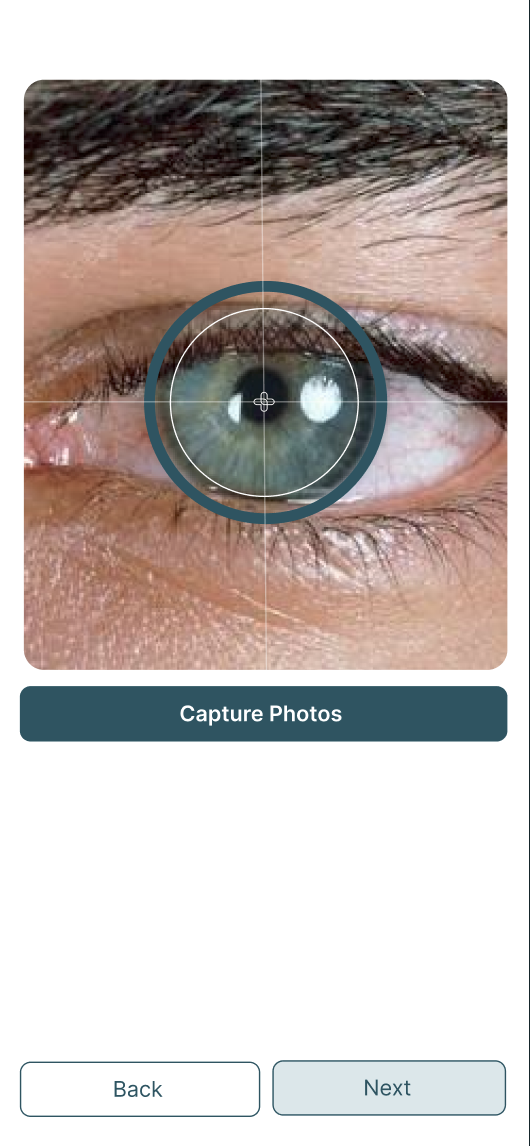
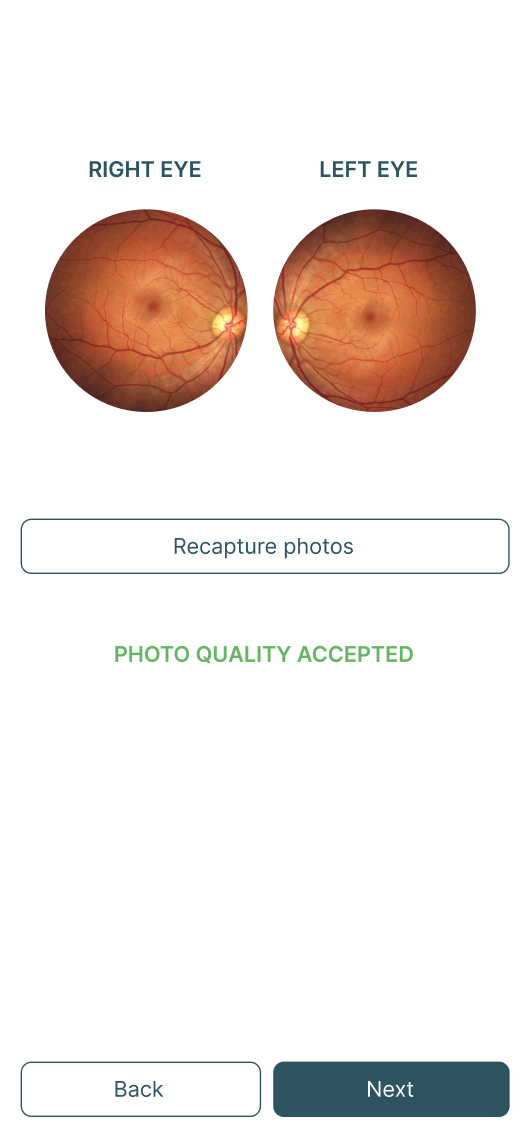
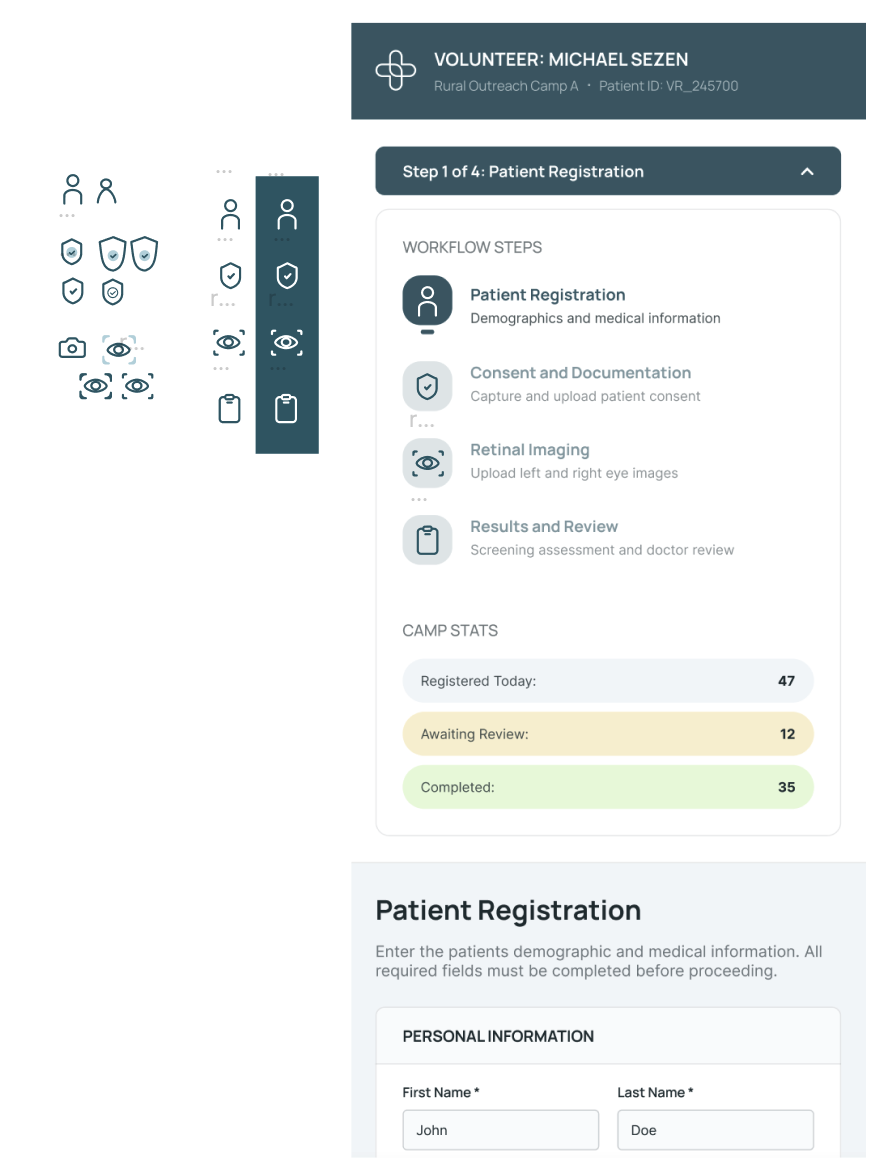
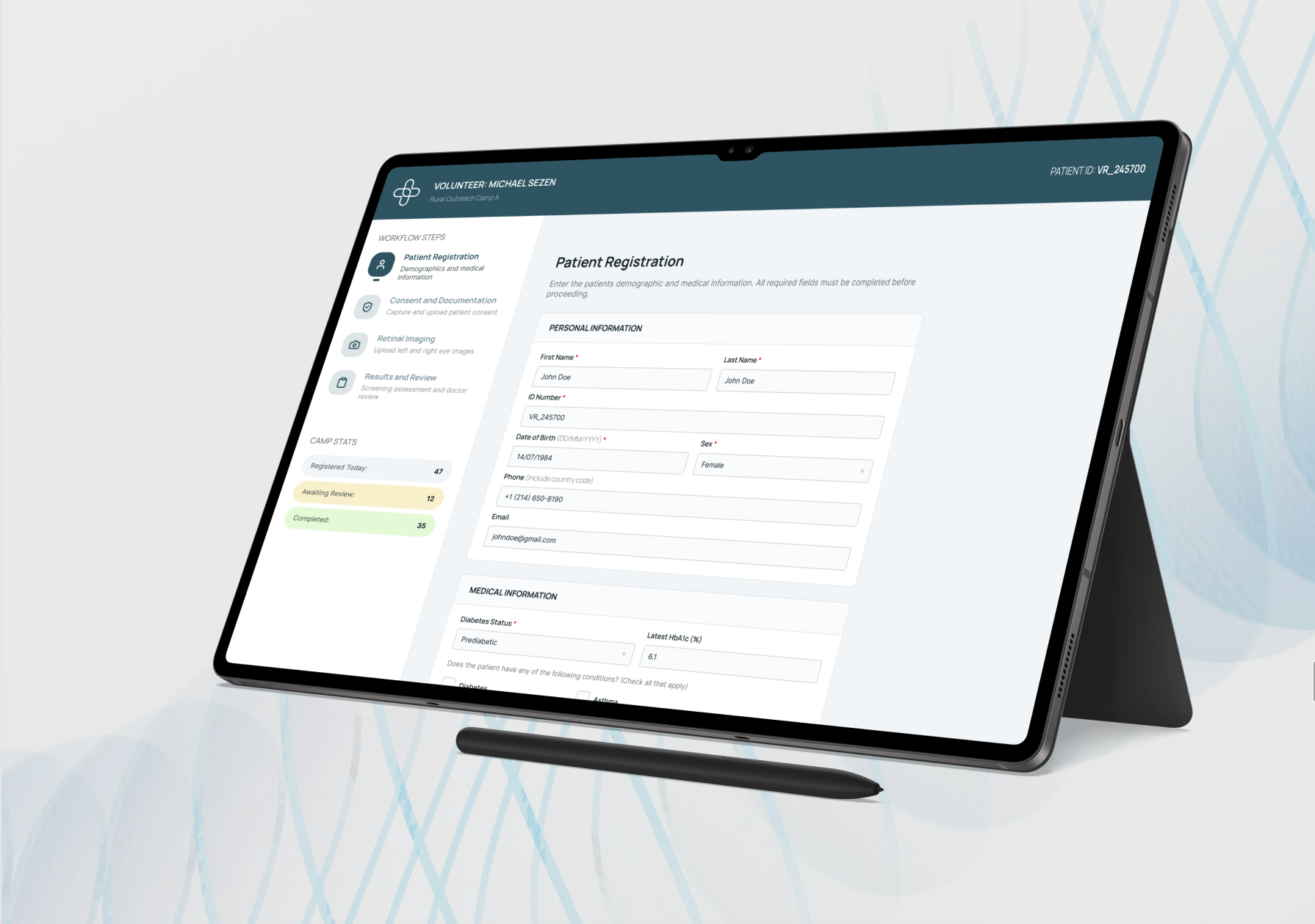
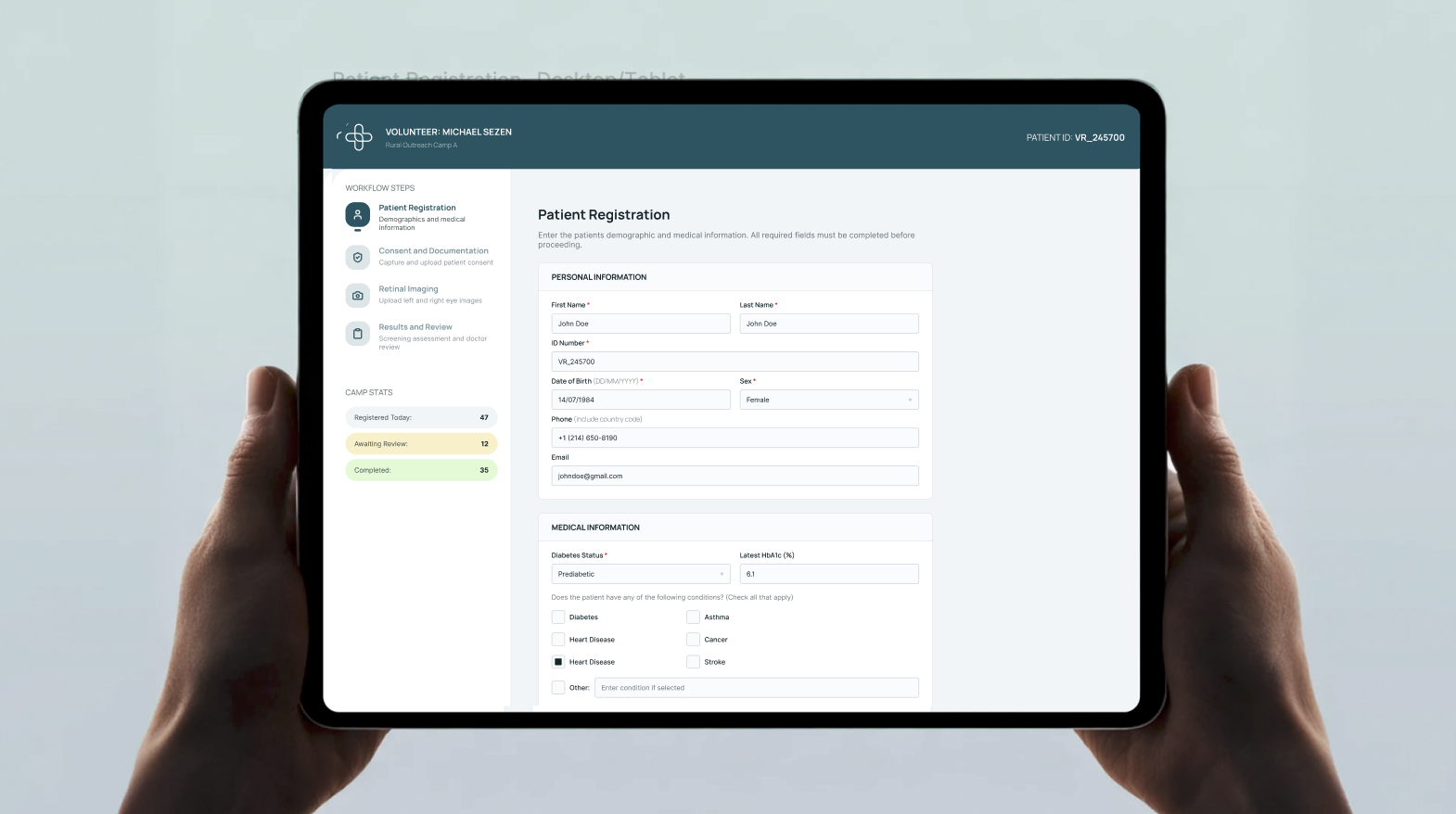
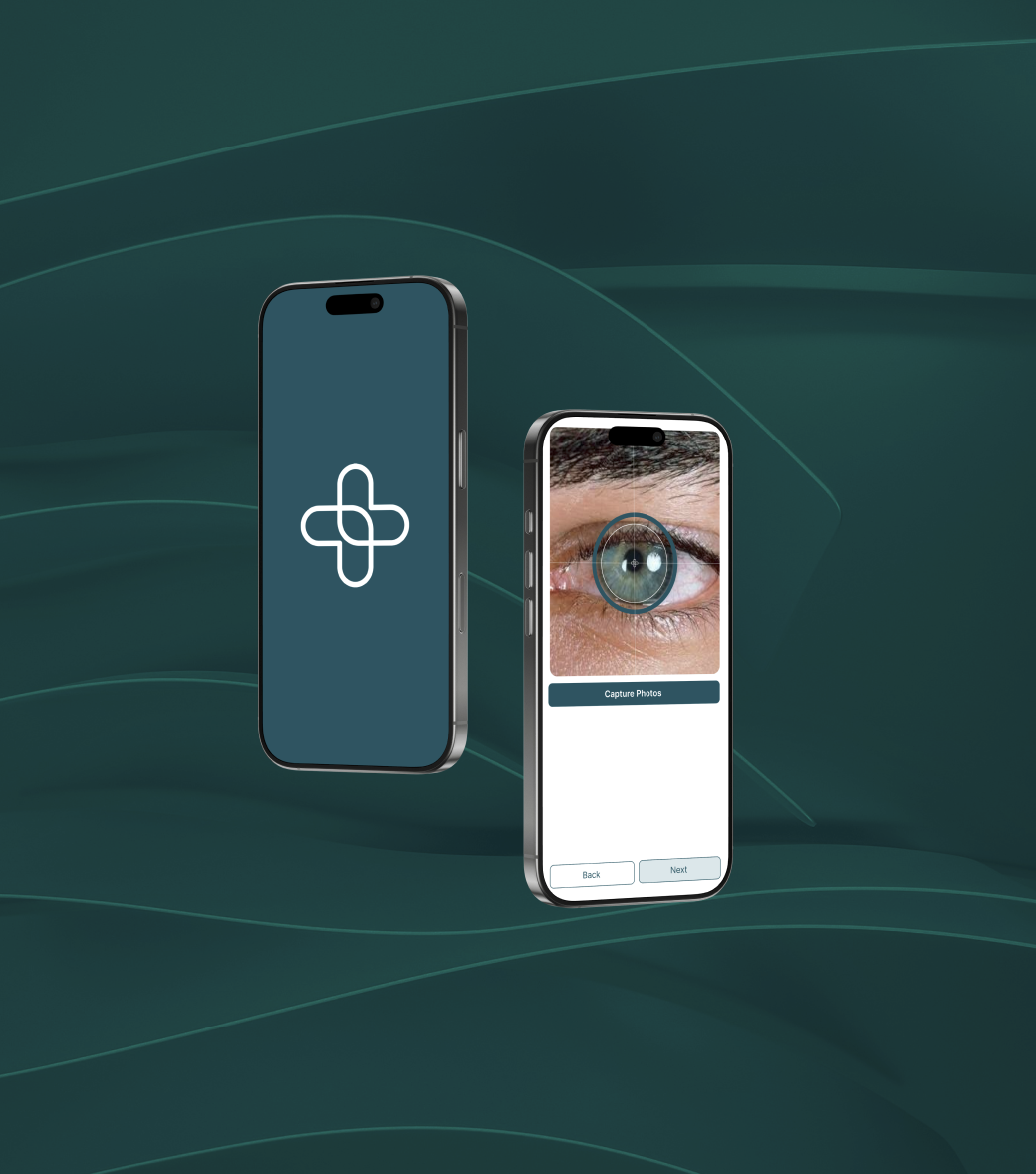
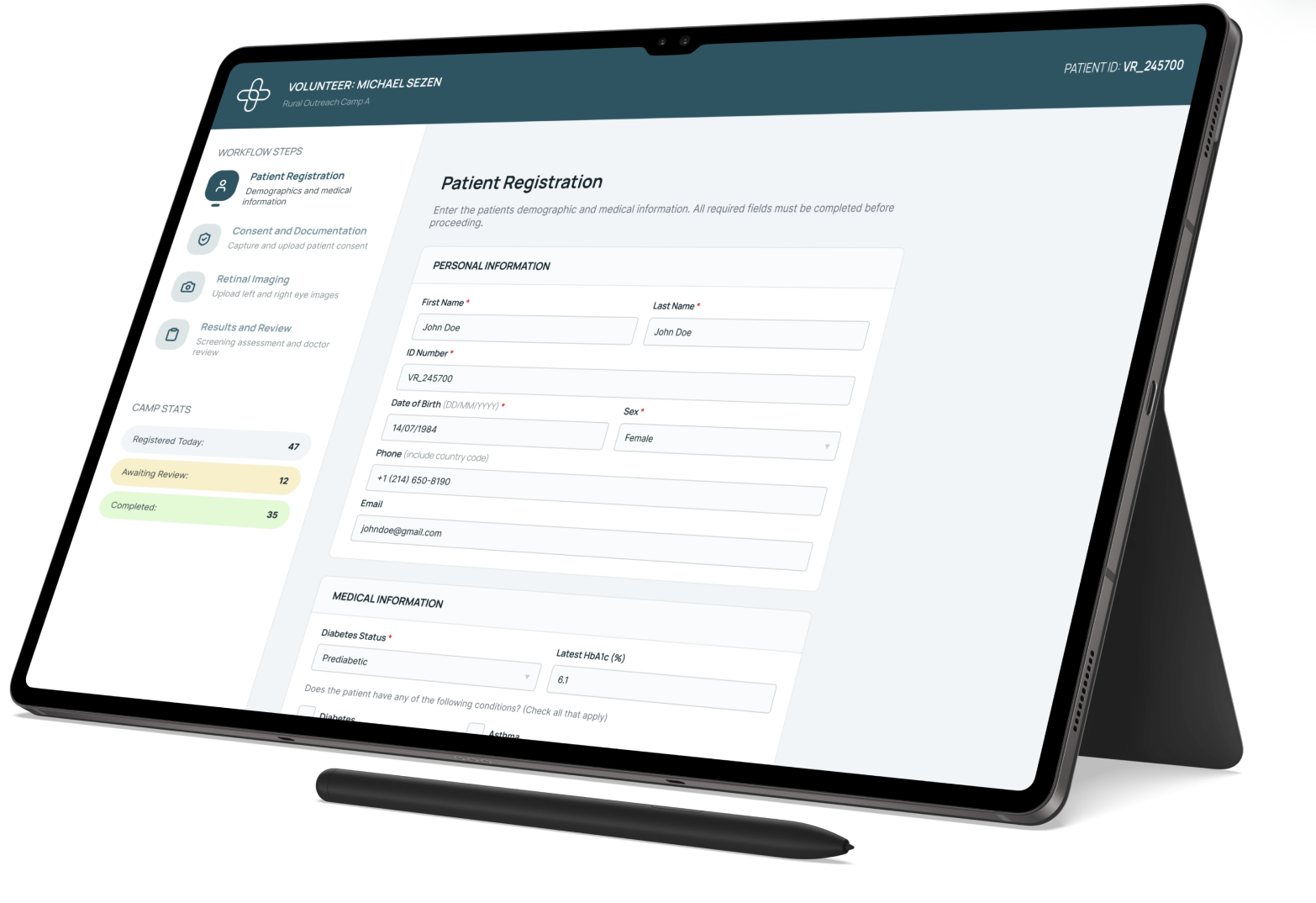
VeraScan runs across two surfaces: a mobile app for on-the-go capture, and a tablet/desktop volunteer platform used at rural screening camps. Both follow the same 4-step flow — Patient Registration → Consent → Retinal Imaging → Results & Review — but the interface needs adapt to who's holding the device.

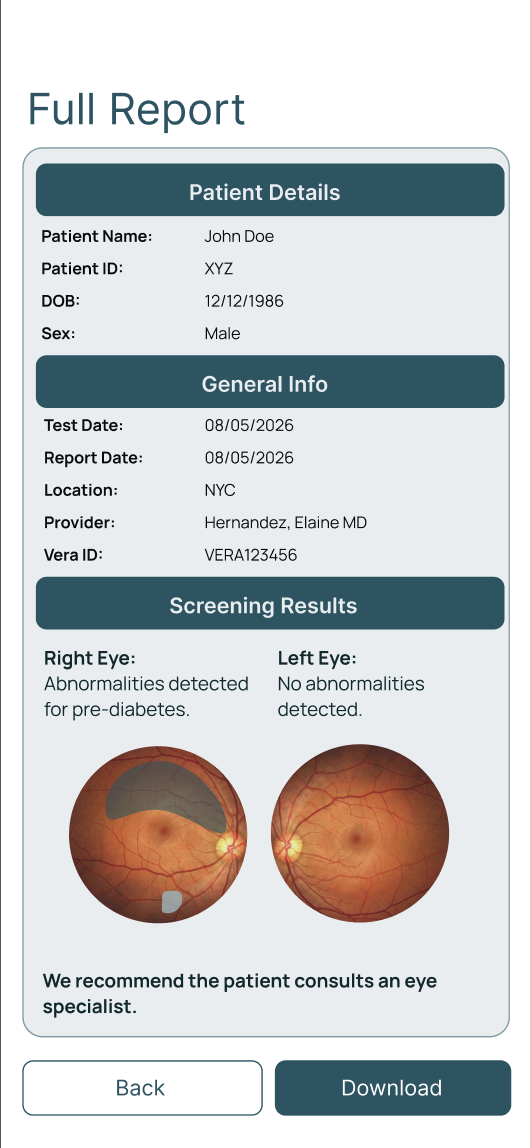
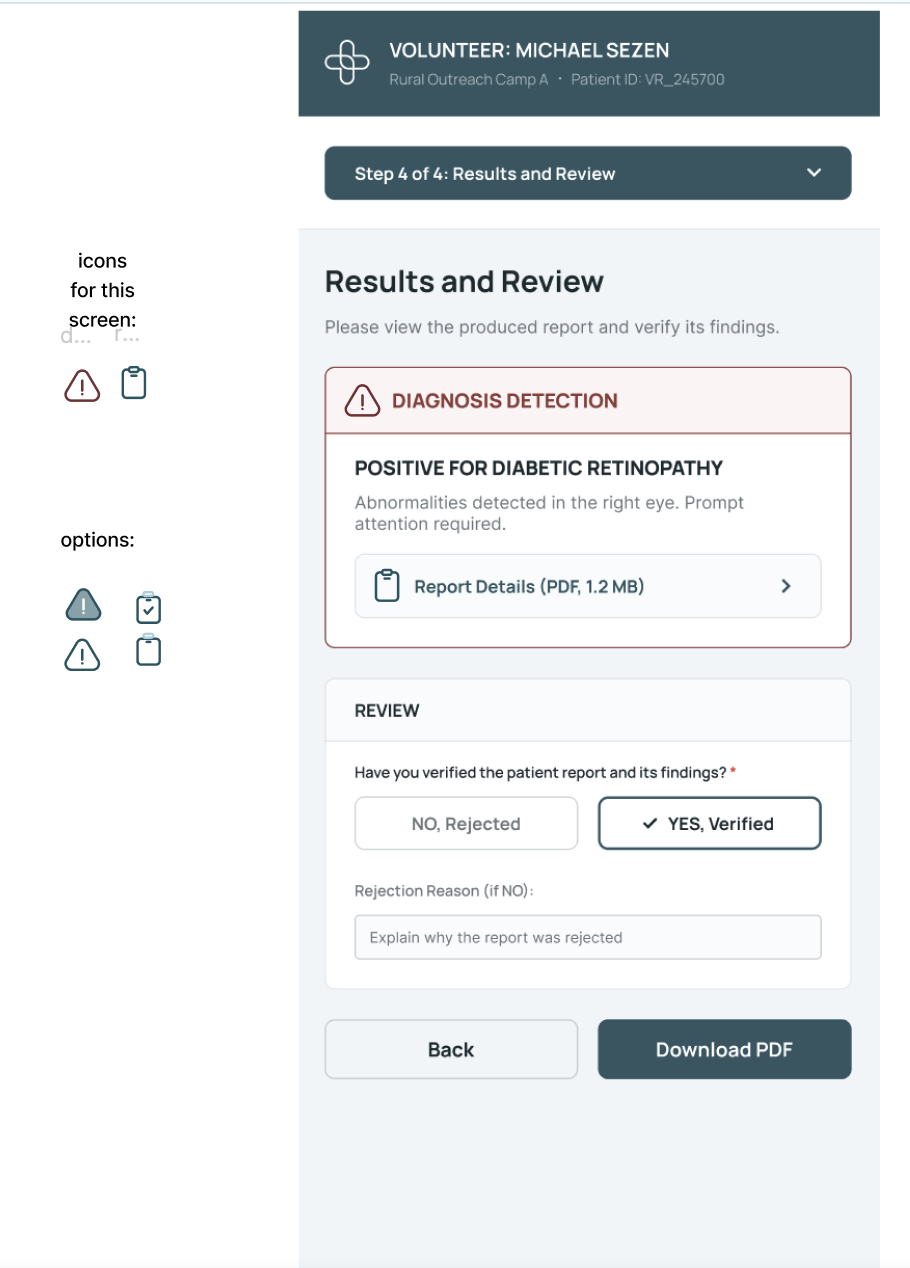
The screens below show the full range of states, from onboarding through AI analysis to clinician review.

App screens overview
App screens overview II
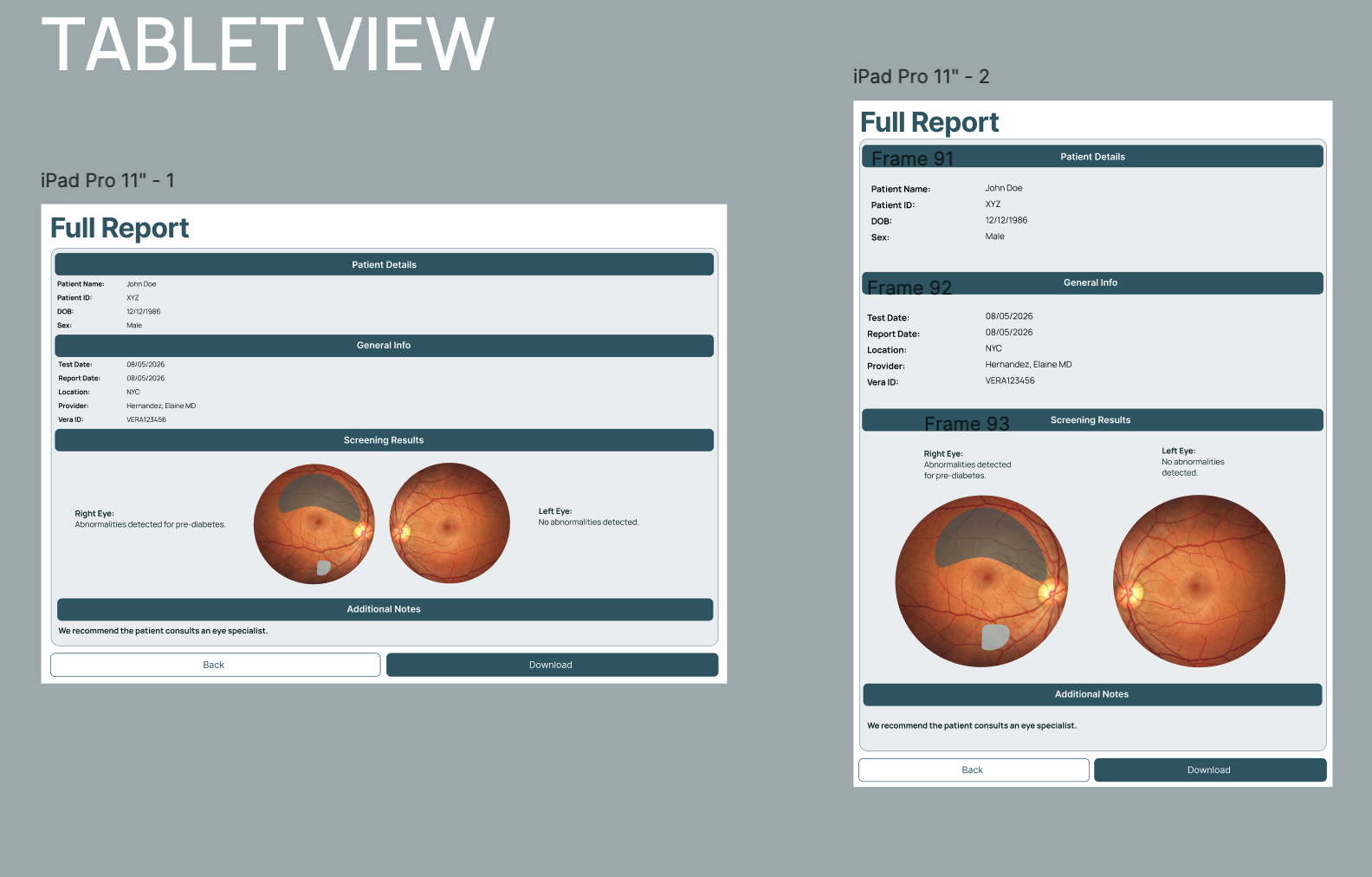
Tablet volunteer platform screens
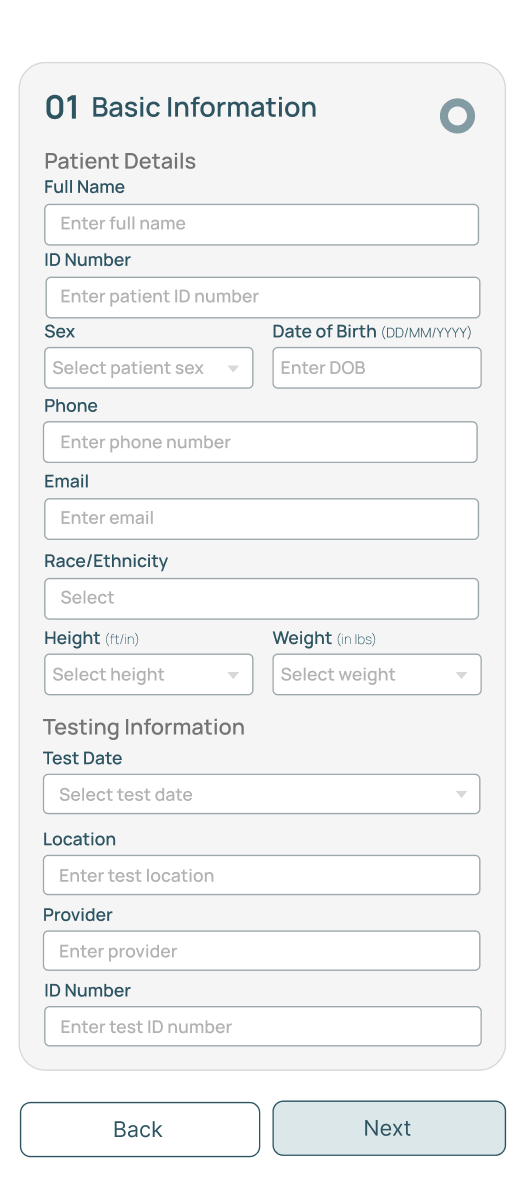
Step 01 — Patient Registration
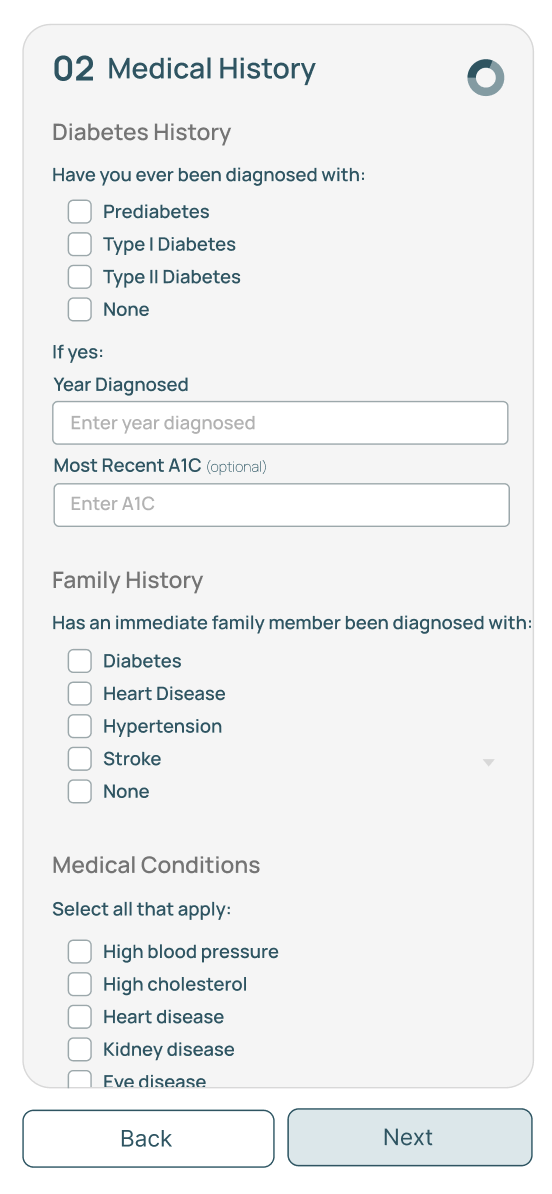
Step 02 — Medical History
Step 03 — Consent & Authorization
Retinal imaging — scan screen
Post-scan — photo quality check
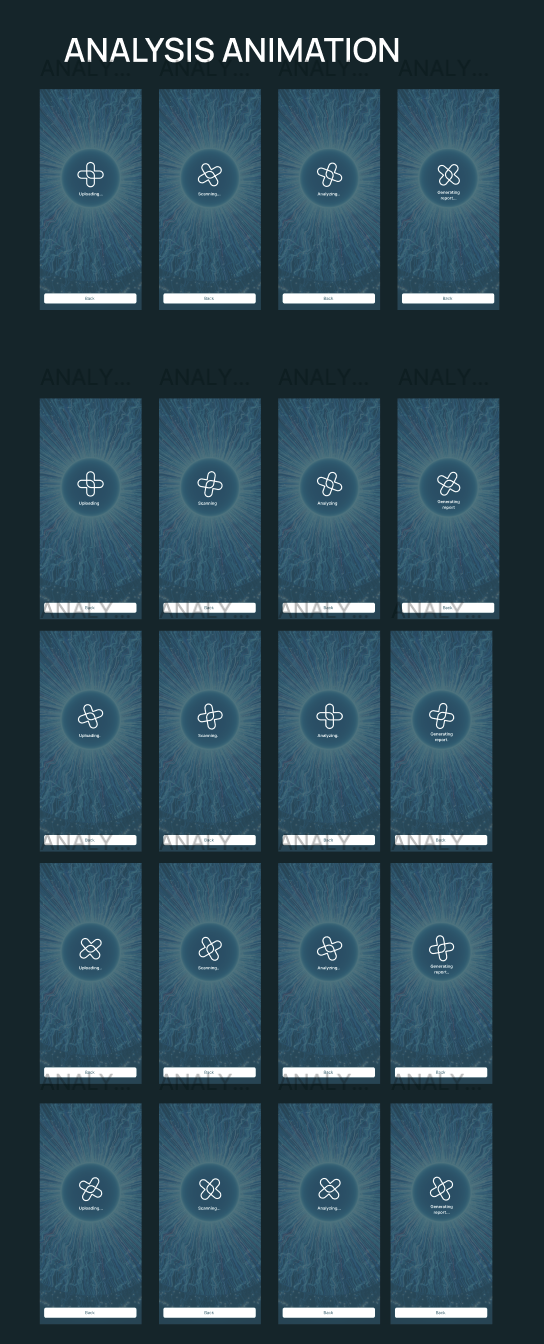
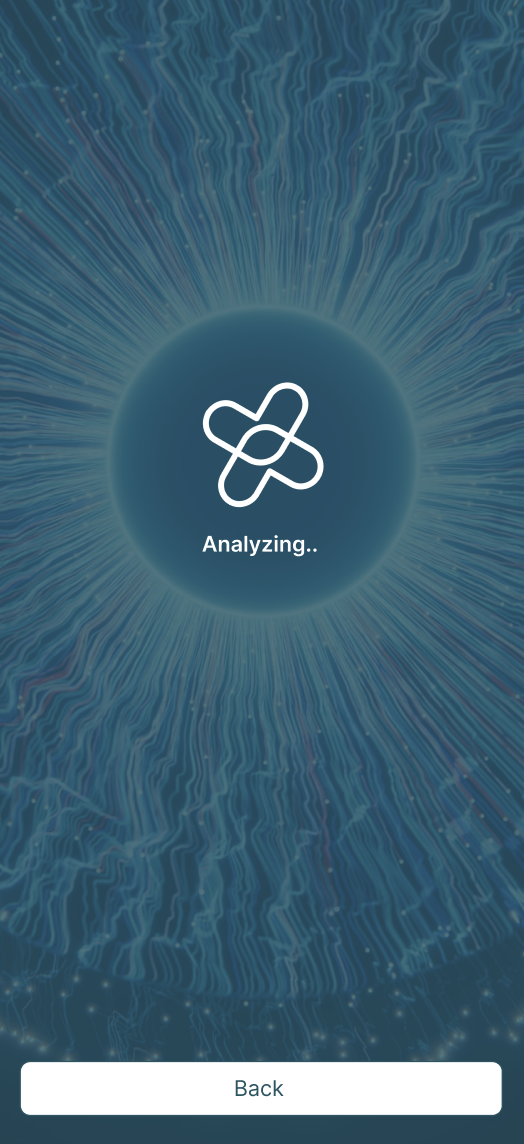
AI analysis — animation states
Analyzing — loading screen
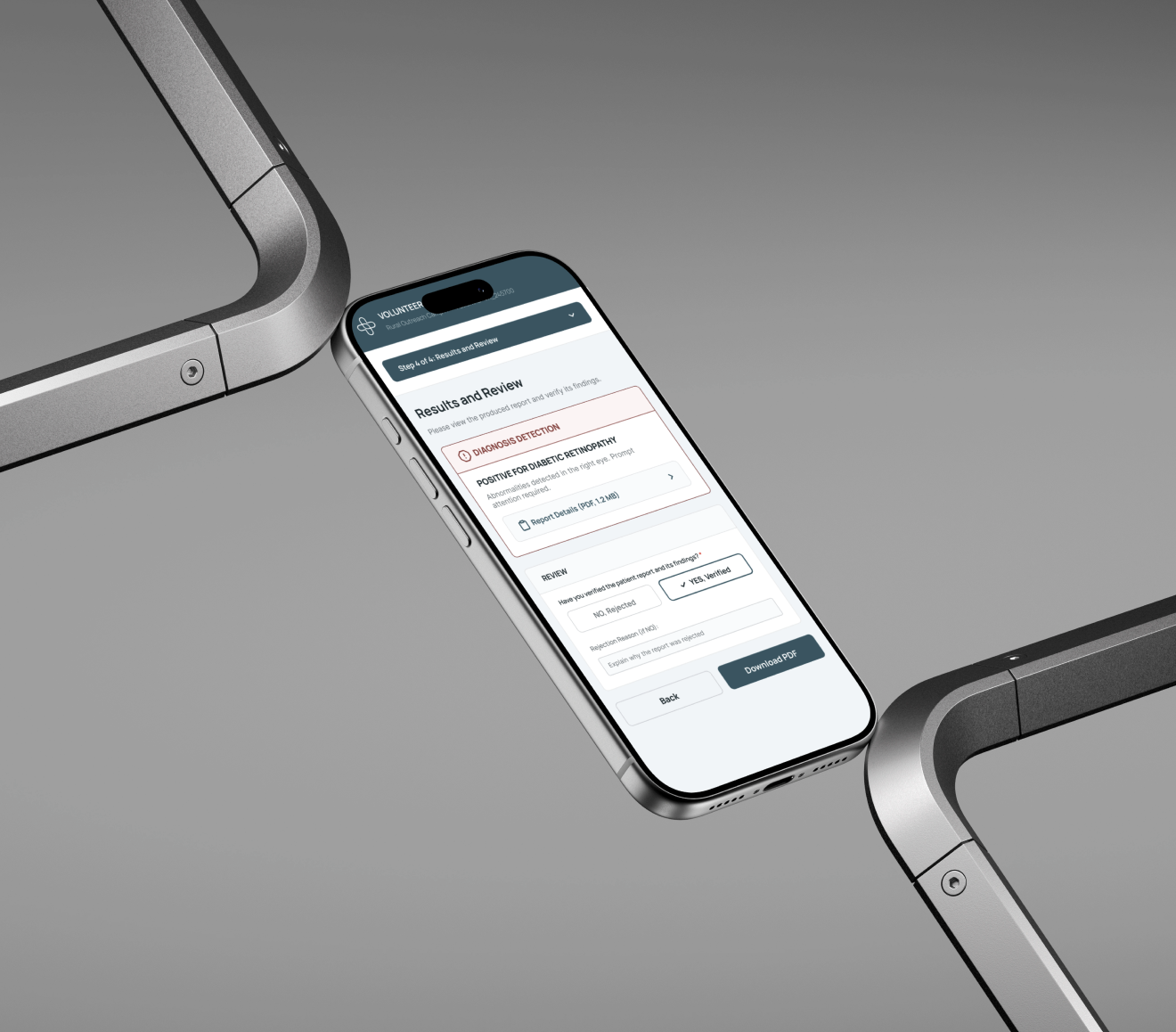
Step 04 — Full Report
Results & Review — diagnosis detection
Results & Review — clinician verification

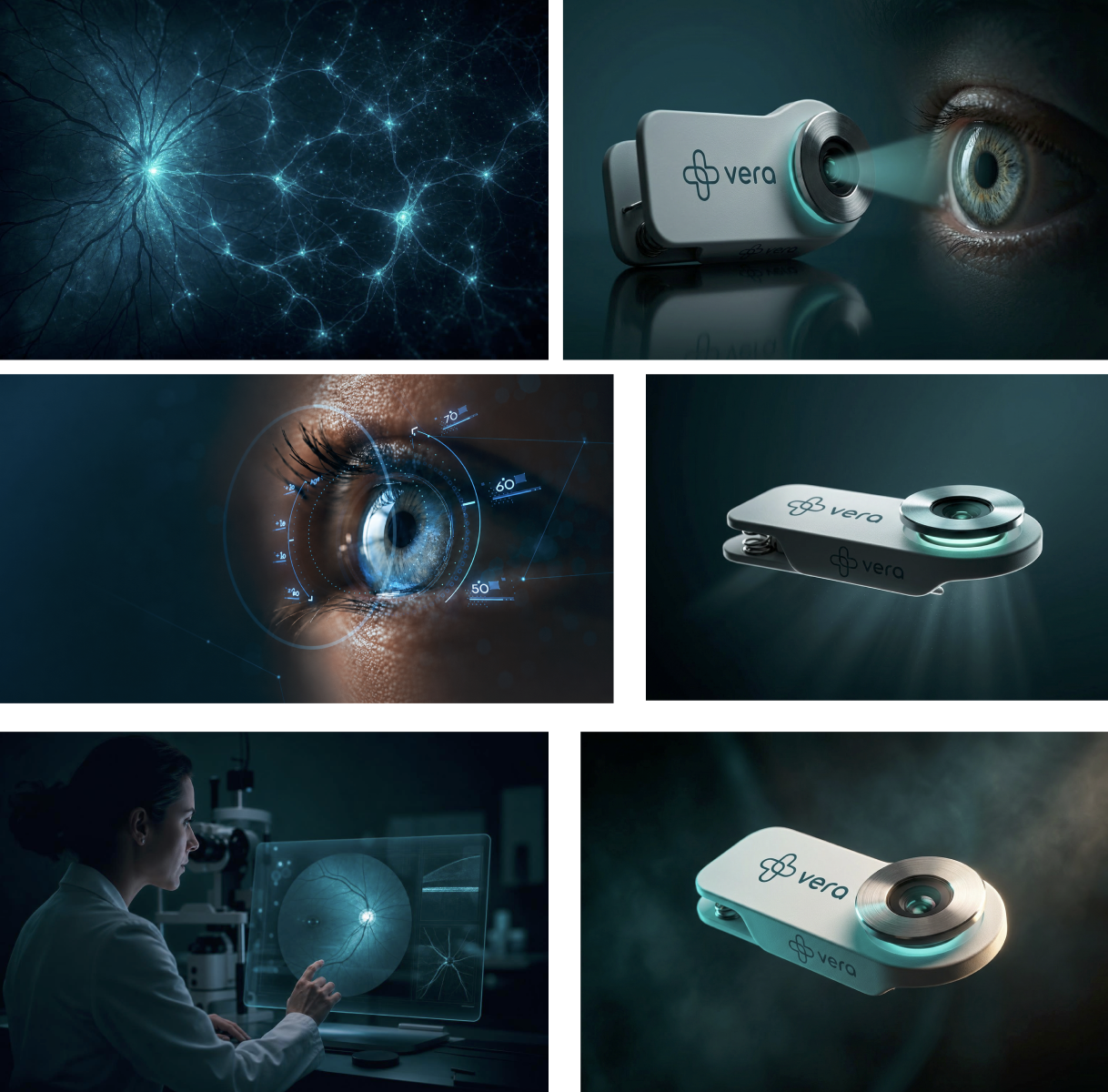
Device Mockups

Vera device mockup 1
Vera device mockup 2
Vera device mockup 3
Vera device mockup 4
Vera device mockup 5

03

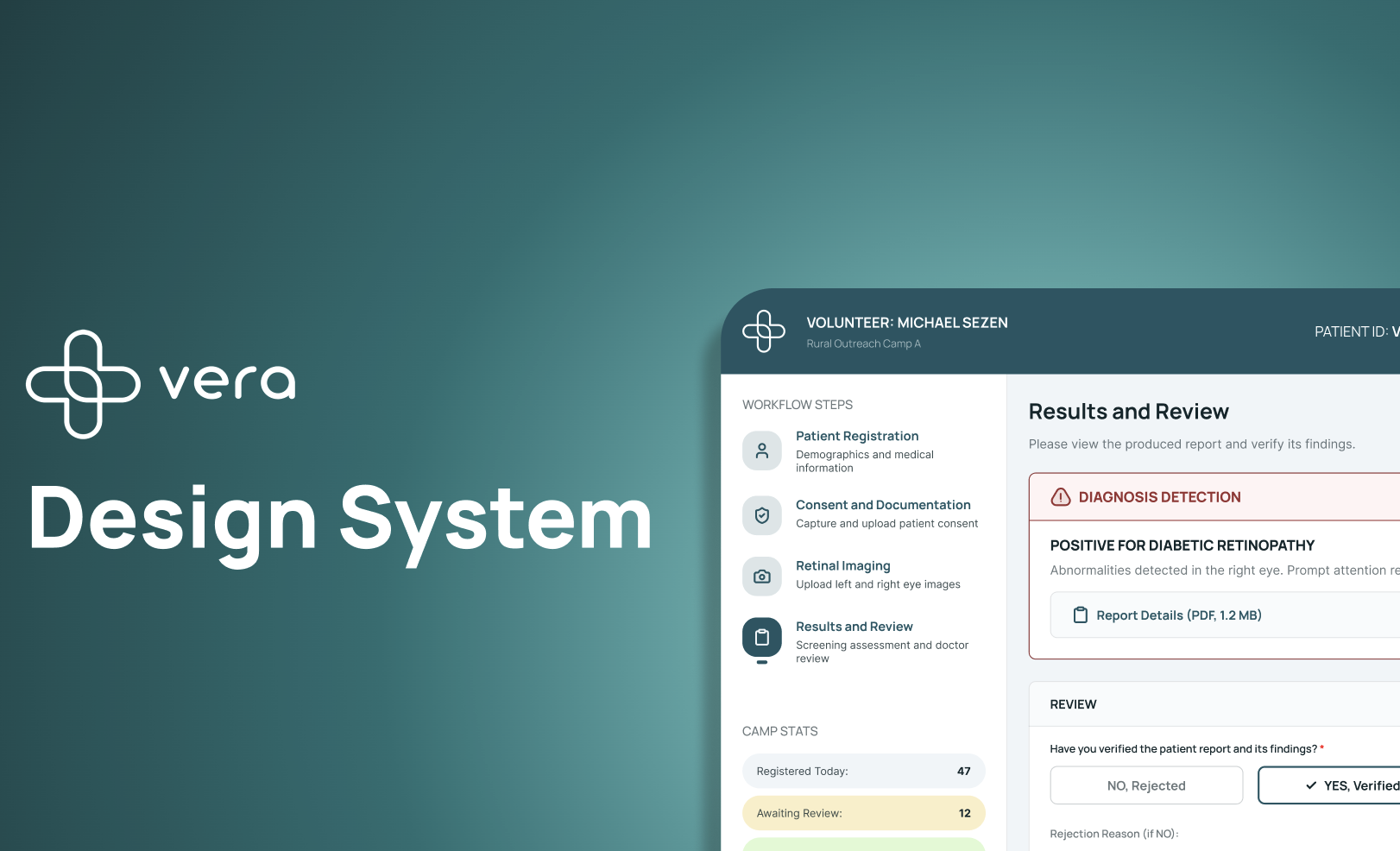
Design System

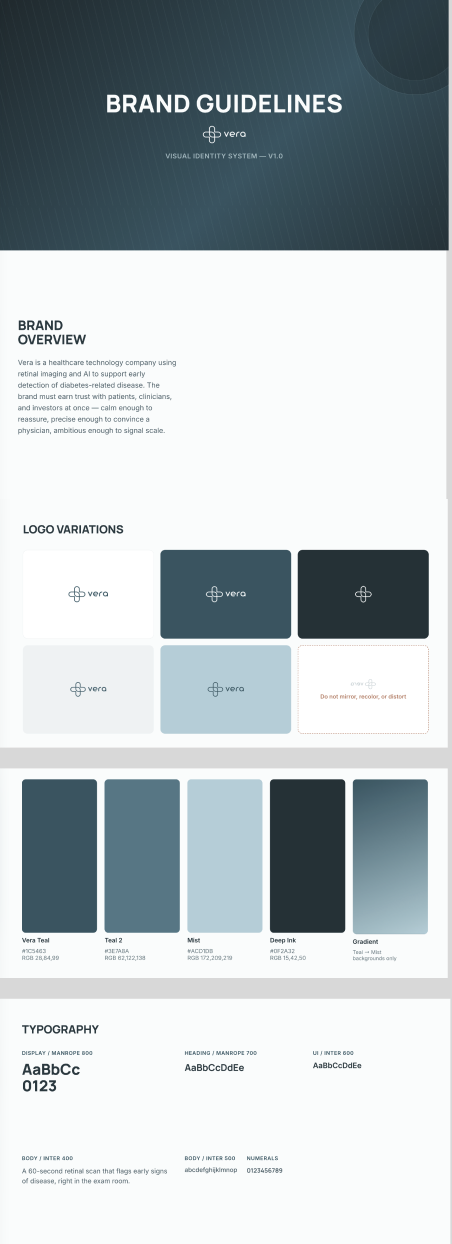
A design system for a healthcare AI company isn't just a component library — it's an argument about how the brand should feel. At Vera, the system needed to say: precise, trustworthy, modern. Not clinical, not cold.

I built and maintained the system across color, typography, components, and interaction states — structured so anyone on the team could ship new features without inventing new patterns.

Vera Design System — cover

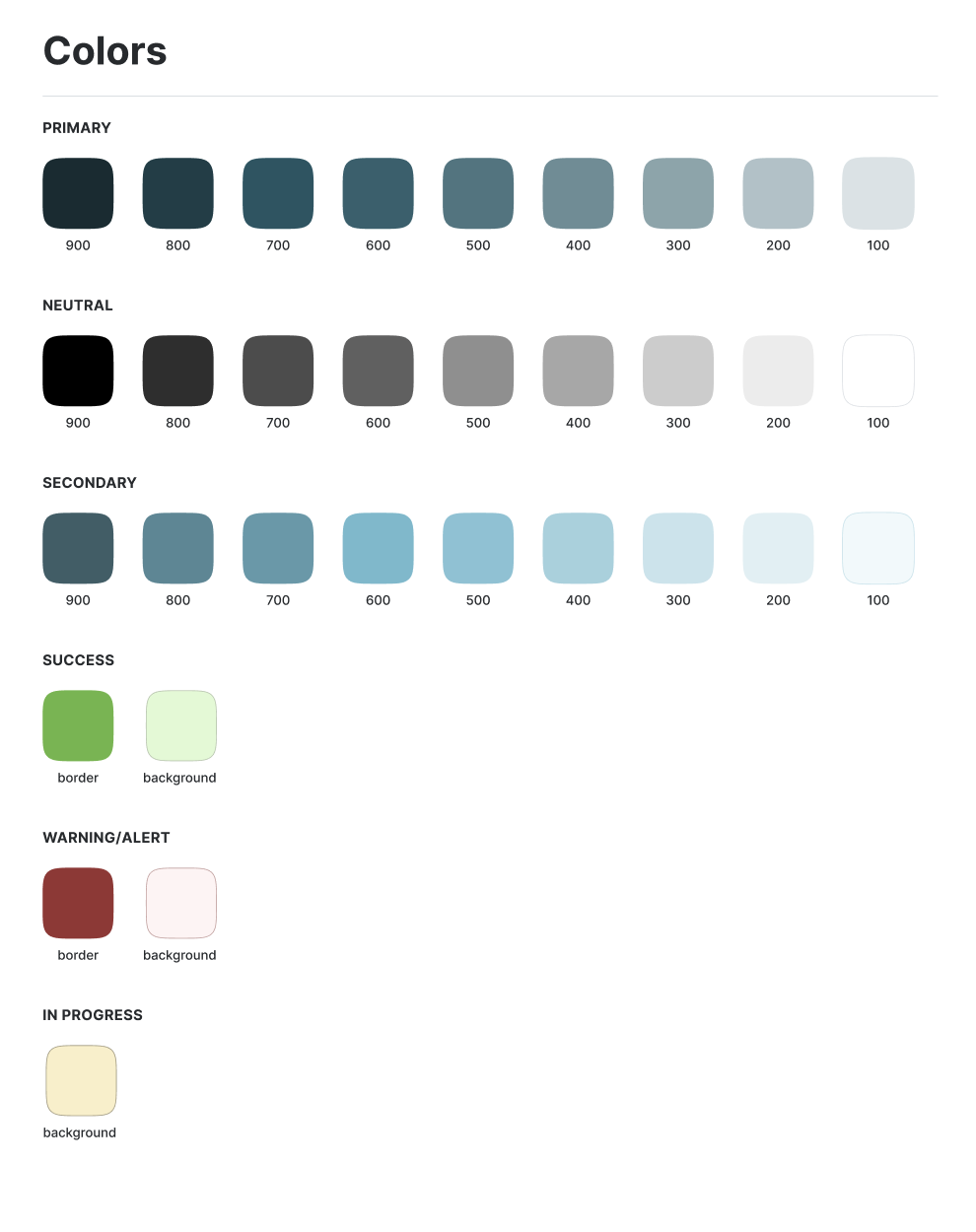
Color

Vera Teal #1C5463
Teal 2 #3E7A8A
Mist #ACD7E8
Deep Ink #0F2A32
Surface #F5F7F8
Vera Design System — full color palette

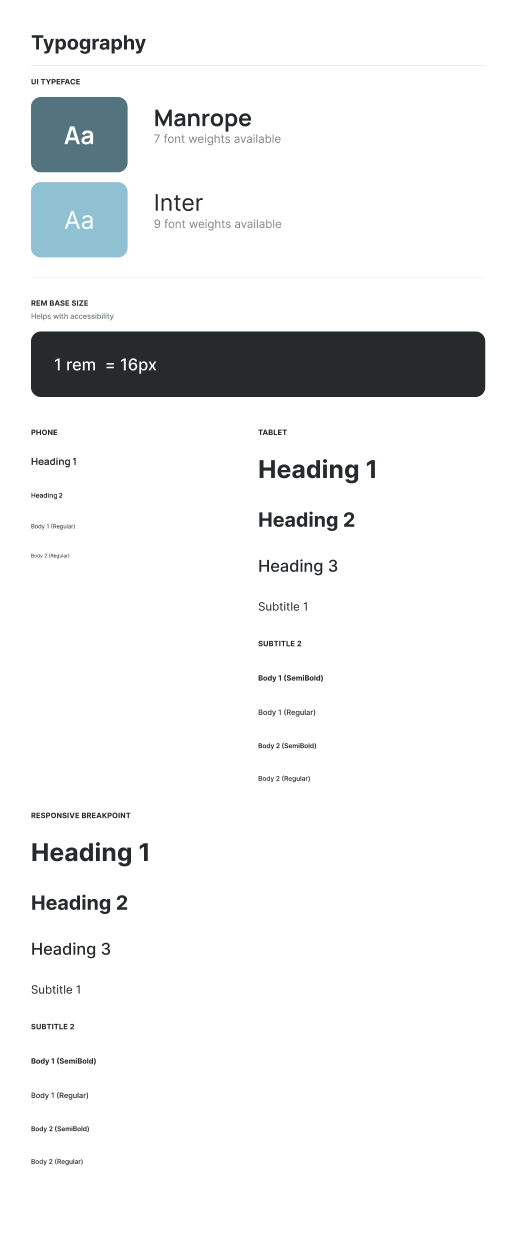
Typography

Display · Manrope · 800

The future of healthcare is clear.

Heading · Manrope · 700

Designed for precision. Built for people.

UI · Inter · 500

Patient Registration · Step 1 of 4 · Workflow: Active

Body · Inter · 400

Vera helps healthcare teams focus on what matters — surfacing the right information at the right moment.

Vera Design System — Manrope + Inter typography scale

Components

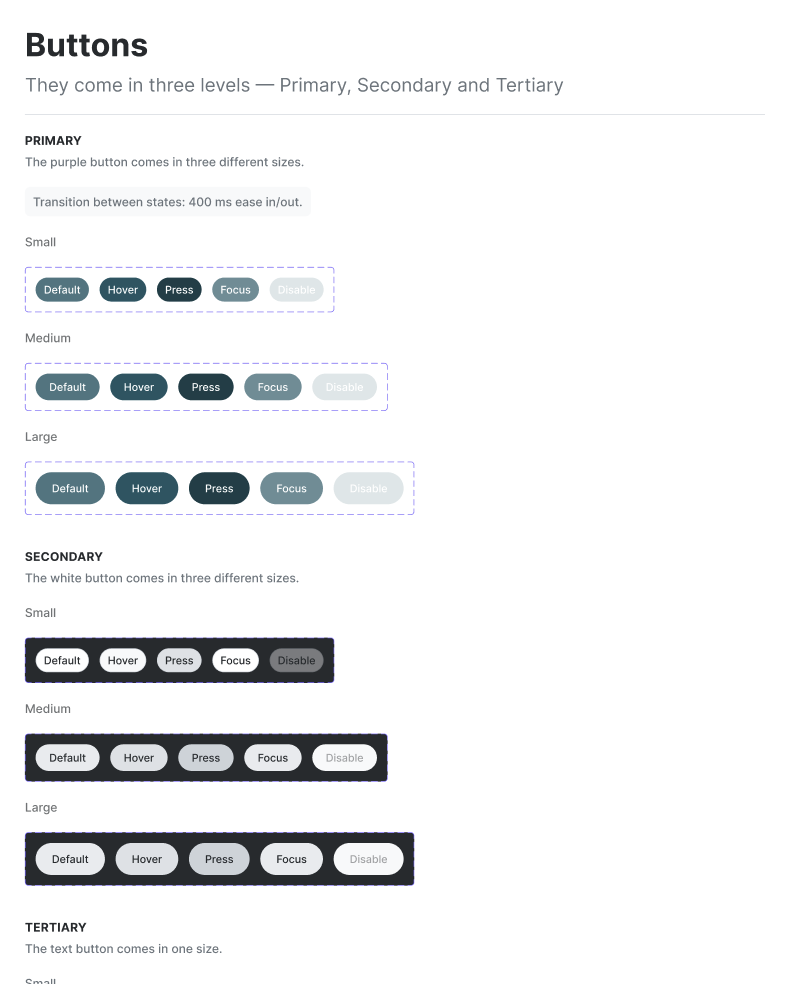
Vera DS — buttons
Buttons — Primary, Secondary, Tertiary
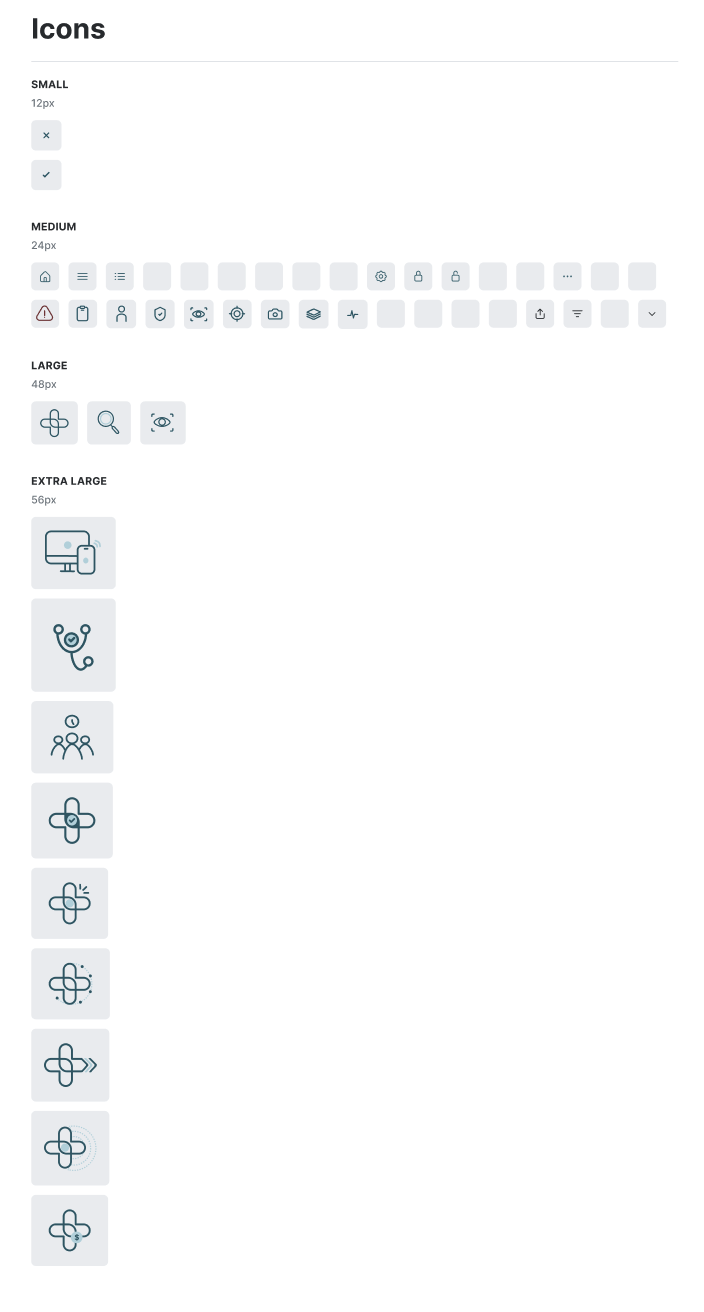
Vera DS — icon library
Icon Library — 12px to 56px
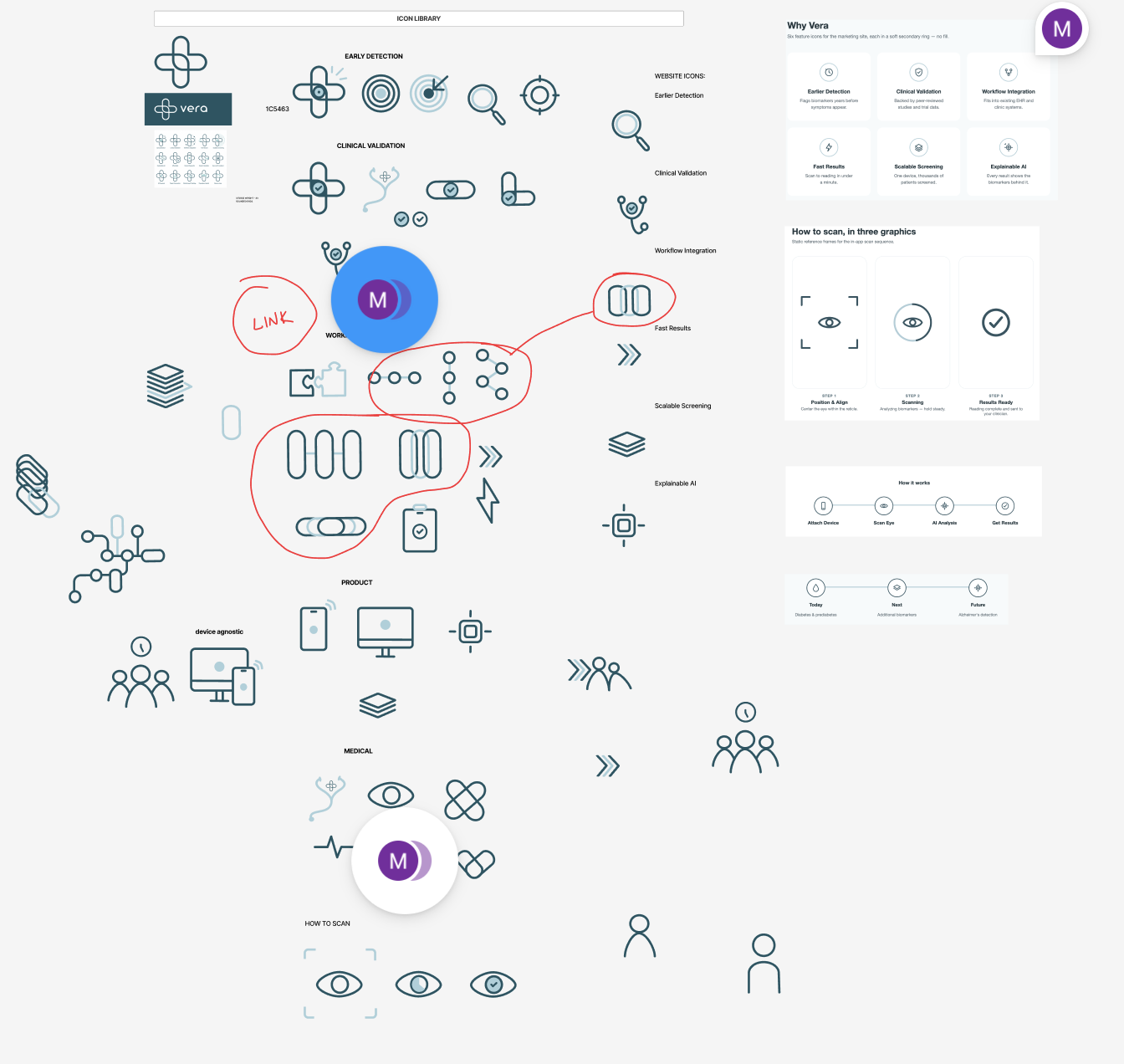
Vera — icon exploration and sketching process
Vera DS slides
System Documentation
Vera DS slides II
System Documentation II

04

Visual Communication

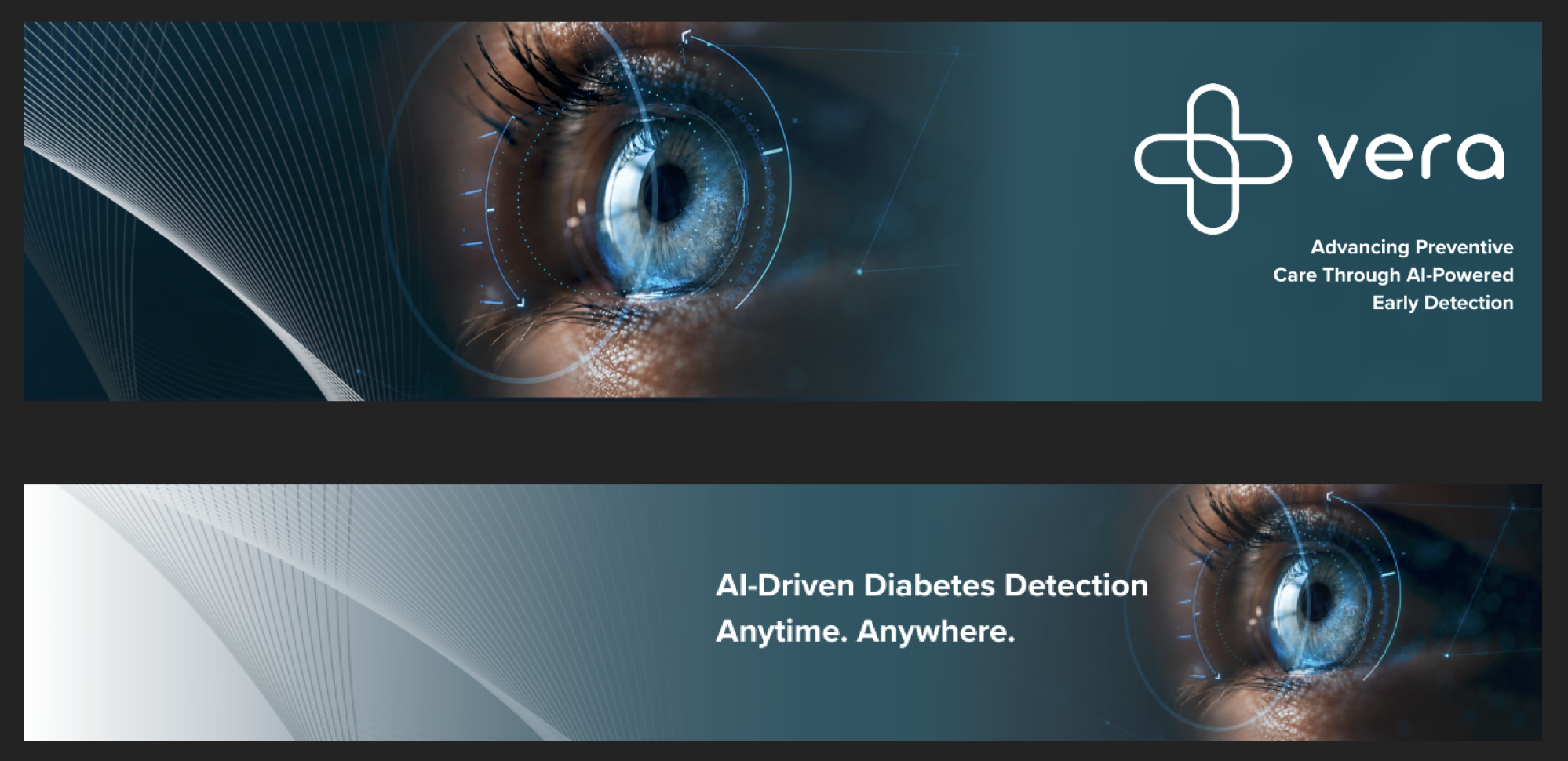
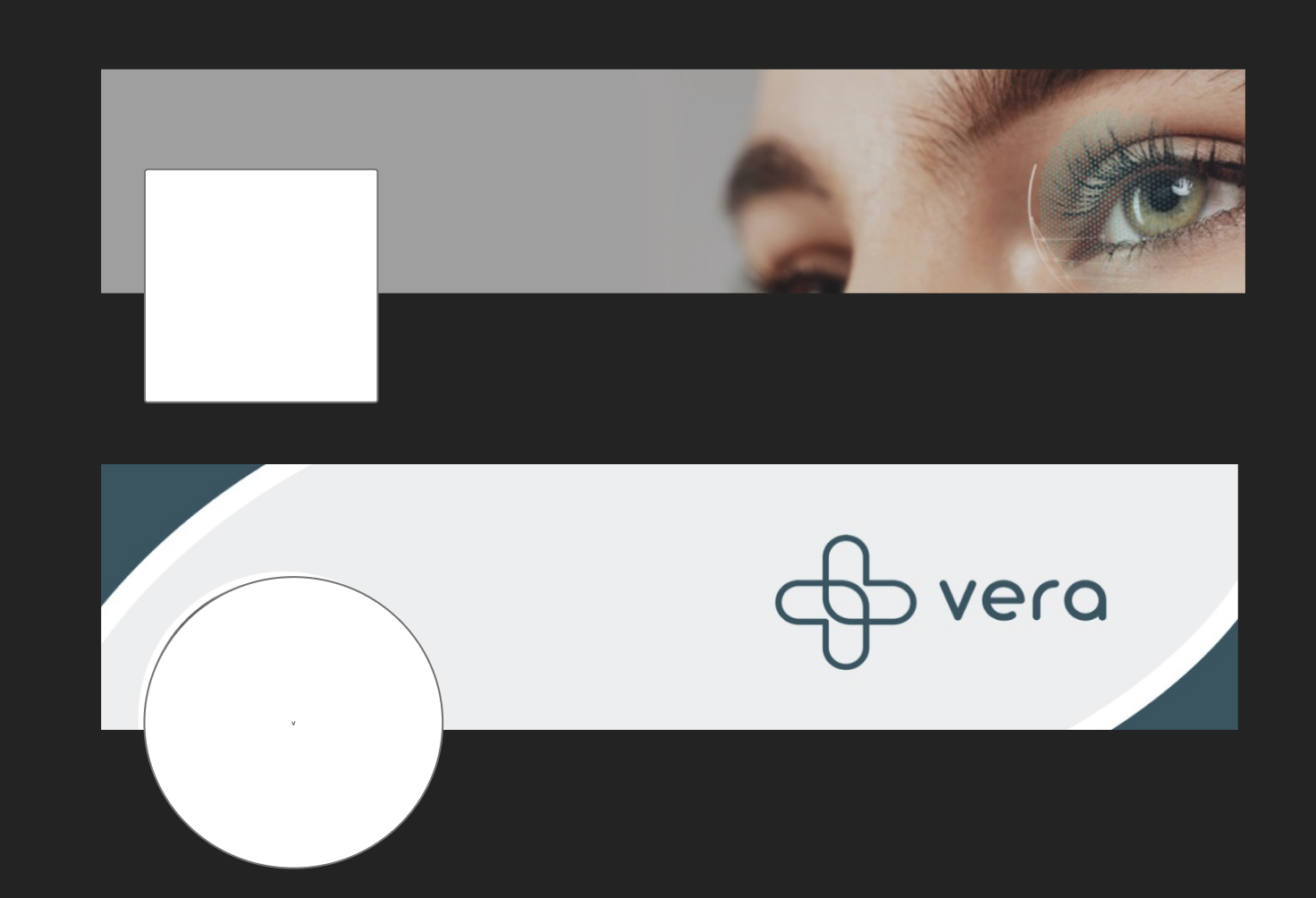
Product design is only half the story. Vera also needed to show up clearly in the world — on LinkedIn, in pitch decks, across every surface where a potential partner or user might encounter the brand for the first time.
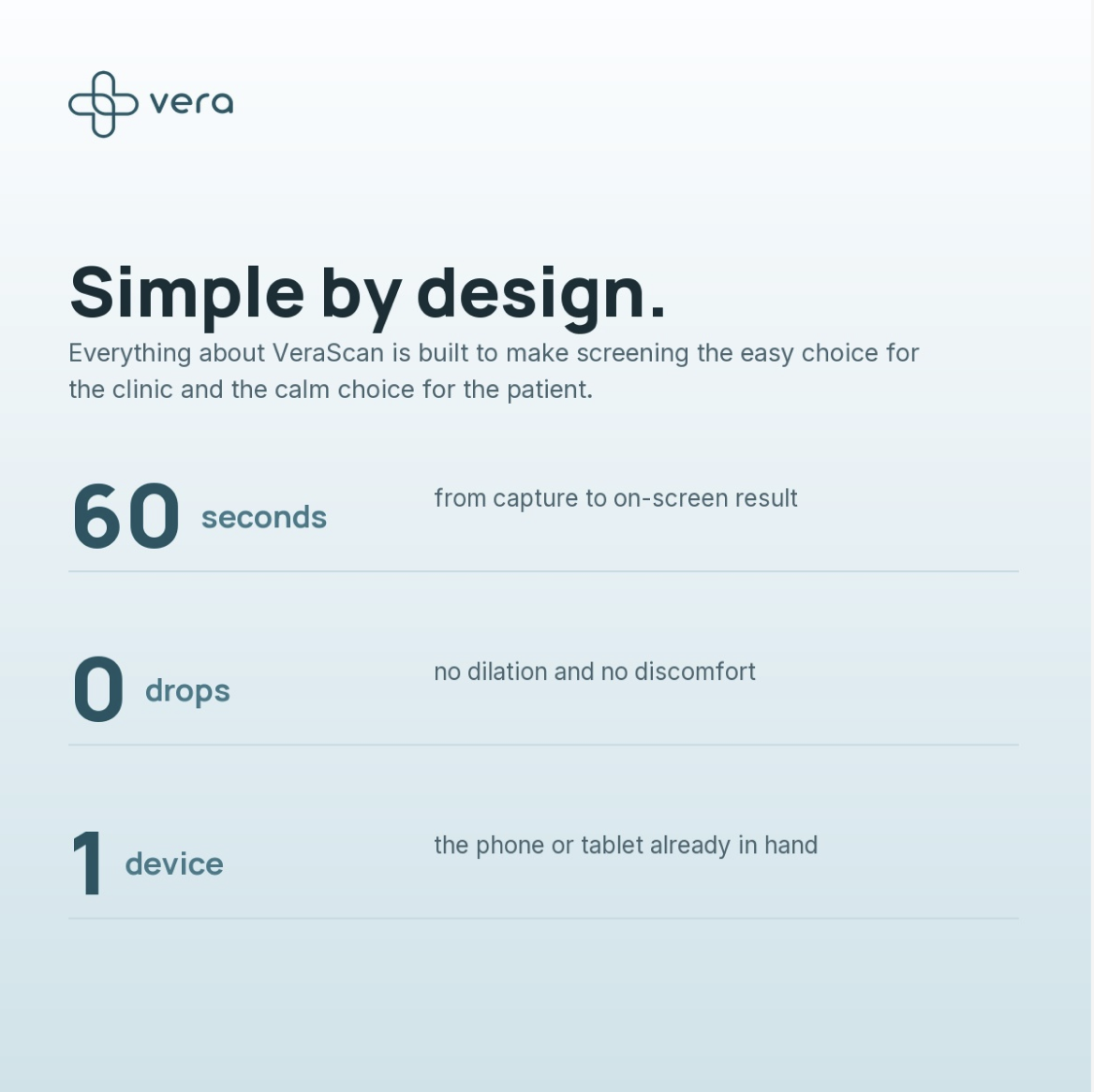

I designed the graphic language: the LinkedIn banners, social content, and announcement graphics that gave the brand its external presence.

Vera LinkedIn banners
Vera LinkedIn banners — original versions
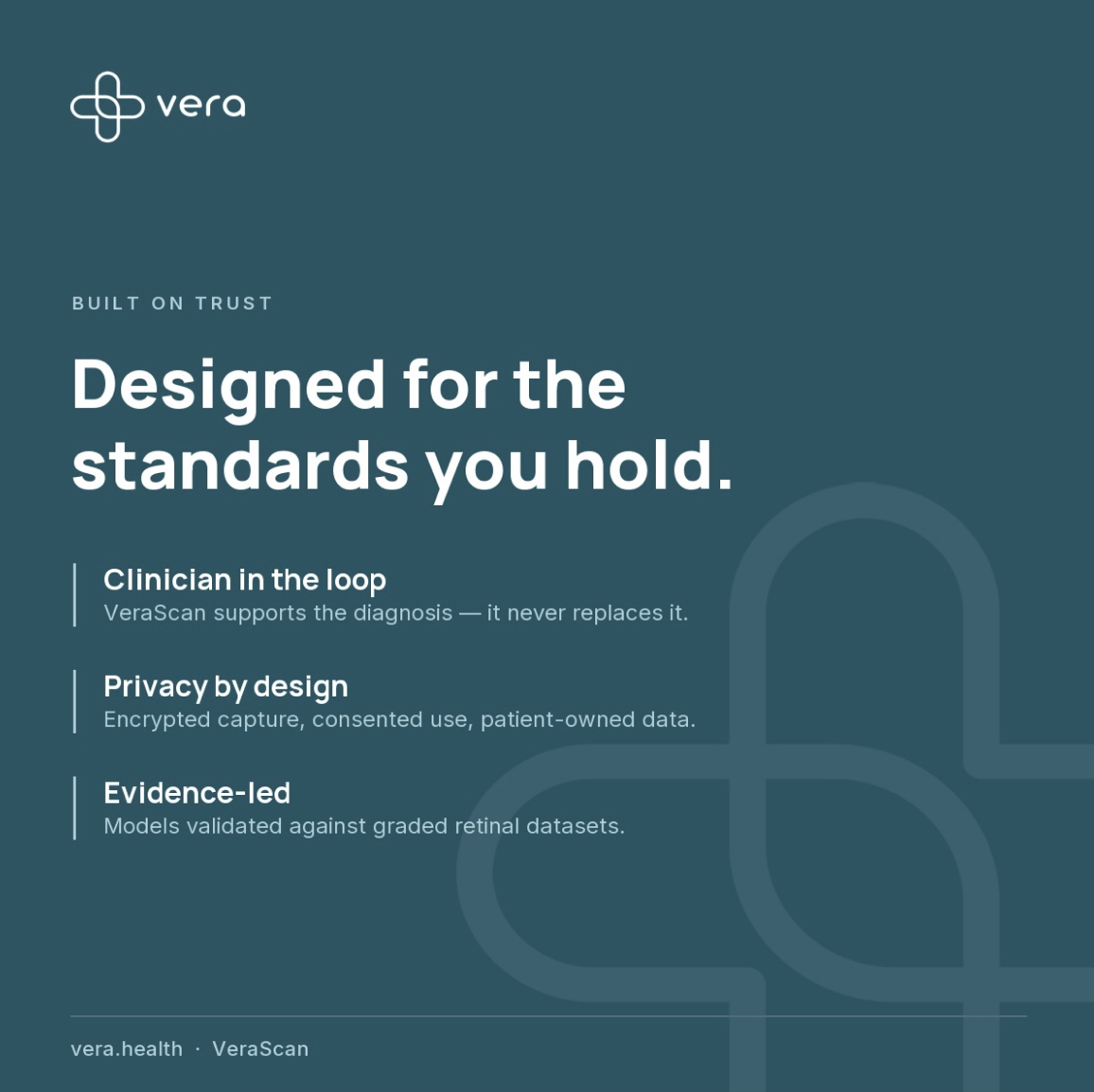
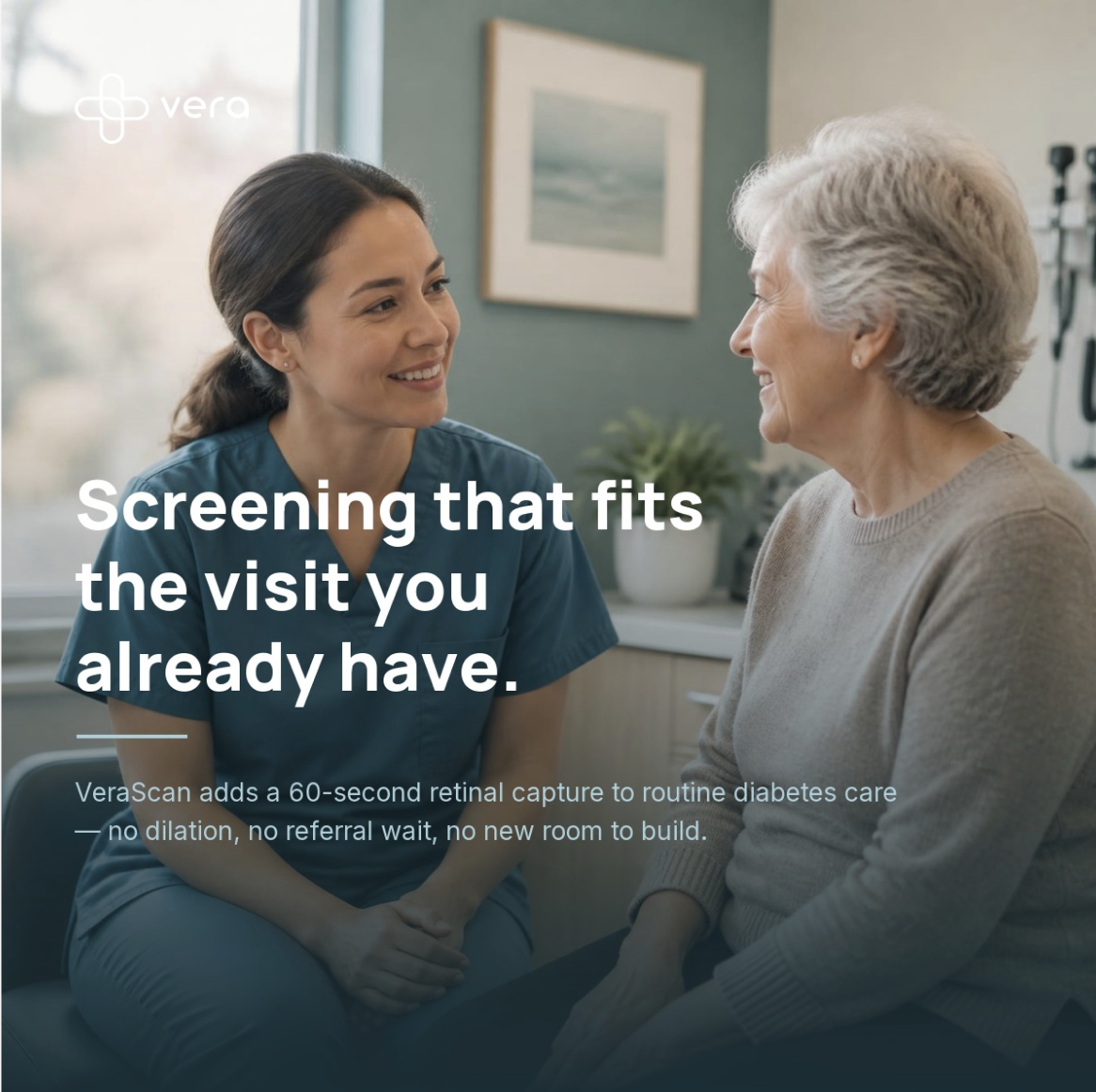
Vera social post 1
Vera social post 2
Vera social post 3
Vera social post 4
Vera social post 5

05

Healthcare Communication

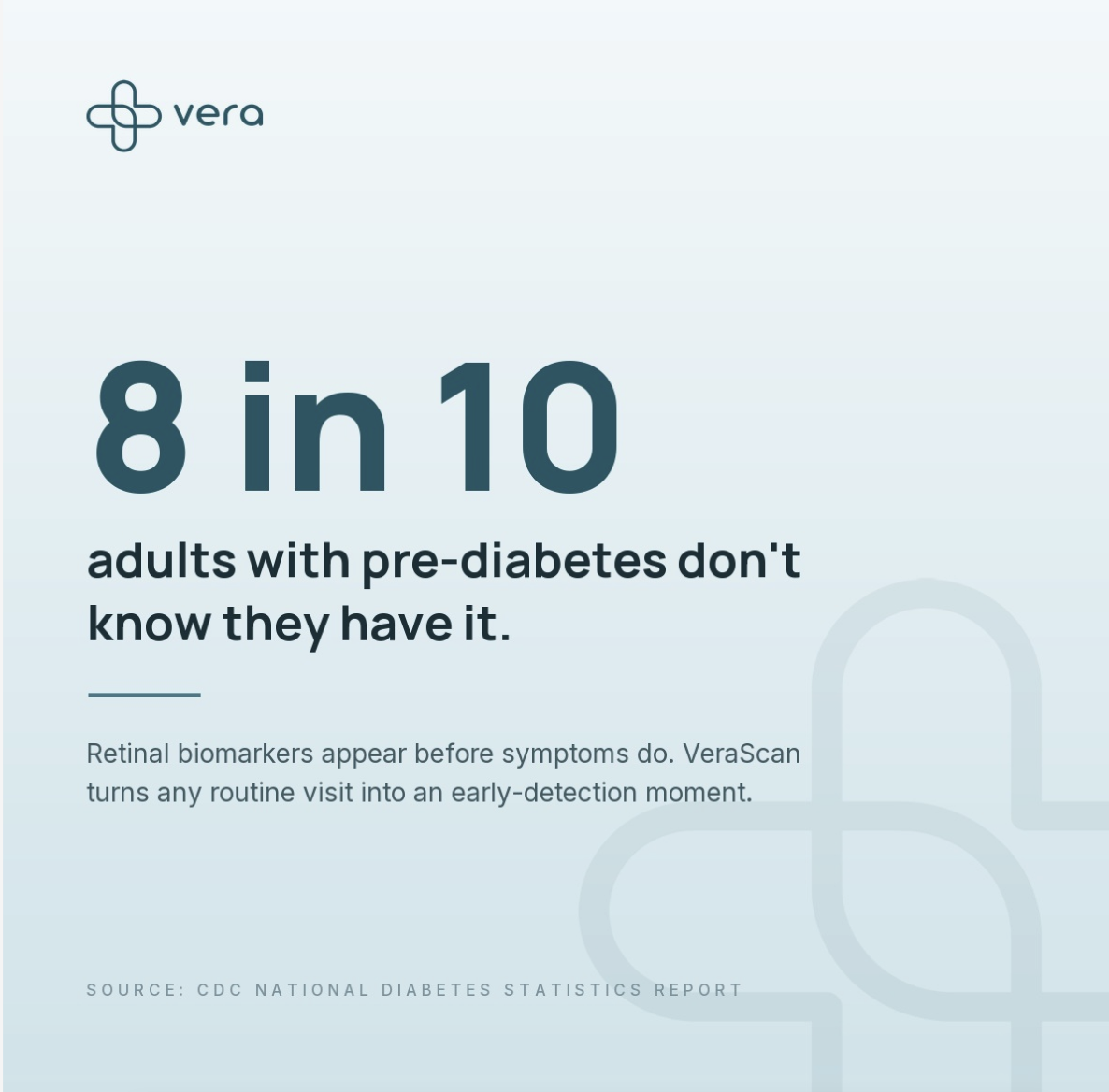
One of the more demanding parts of the internship was translating genuinely complex ideas — how Vera's AI works, what it does inside a clinical workflow, why it matters — into visuals that land for a non-technical audience.

Healthcare and AI are both fields where jargon can easily obscure the point. The goal was always clarity first: make it understandable before making it impressive.

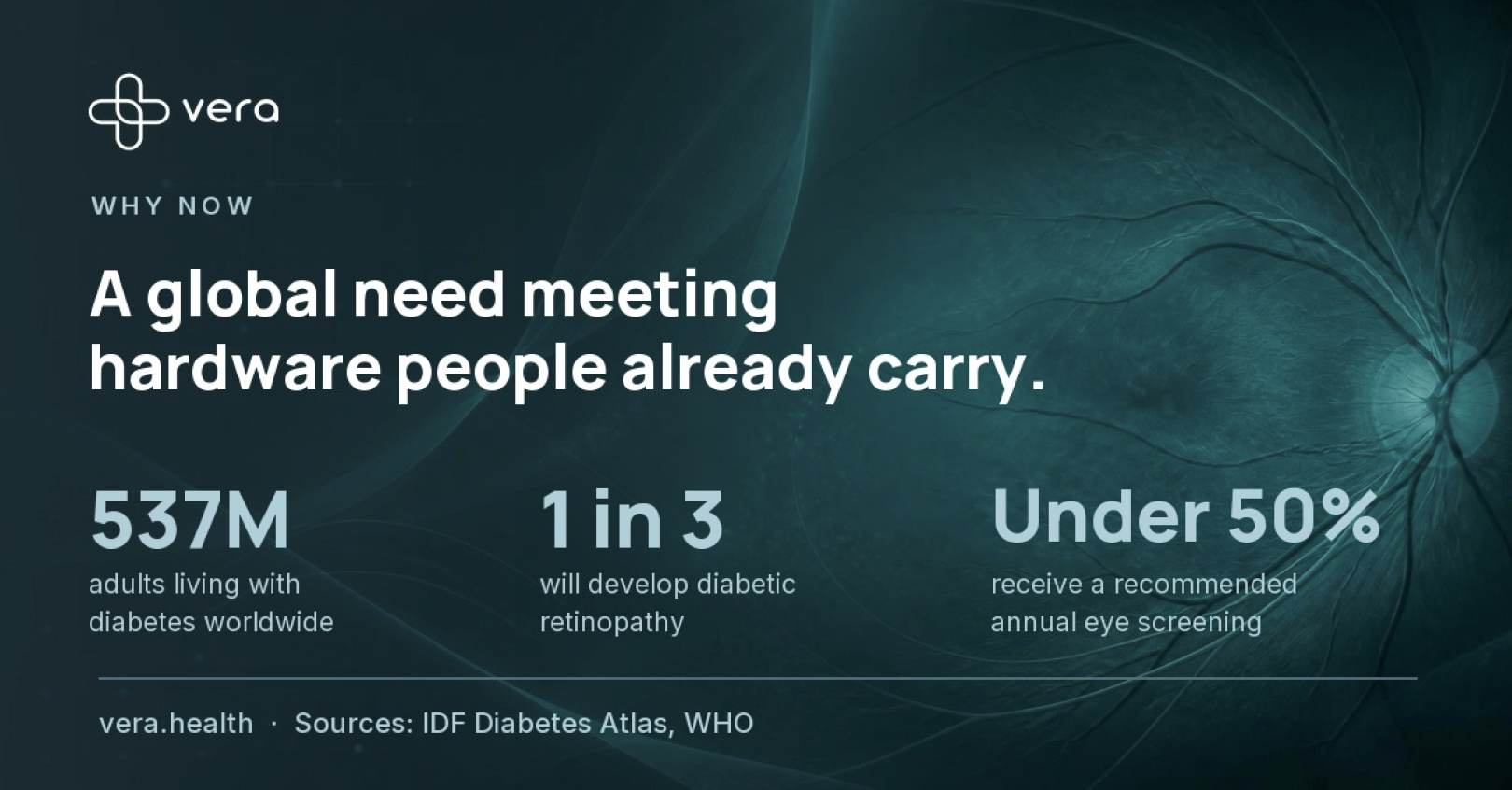
Vera — healthcare impact graphic
Vera — stethoscope stat graphic
Vera dark graphic 1
Campaign — Dark Series
Vera dark graphic 2
Campaign — Dark Series II
Vera dark graphic 3
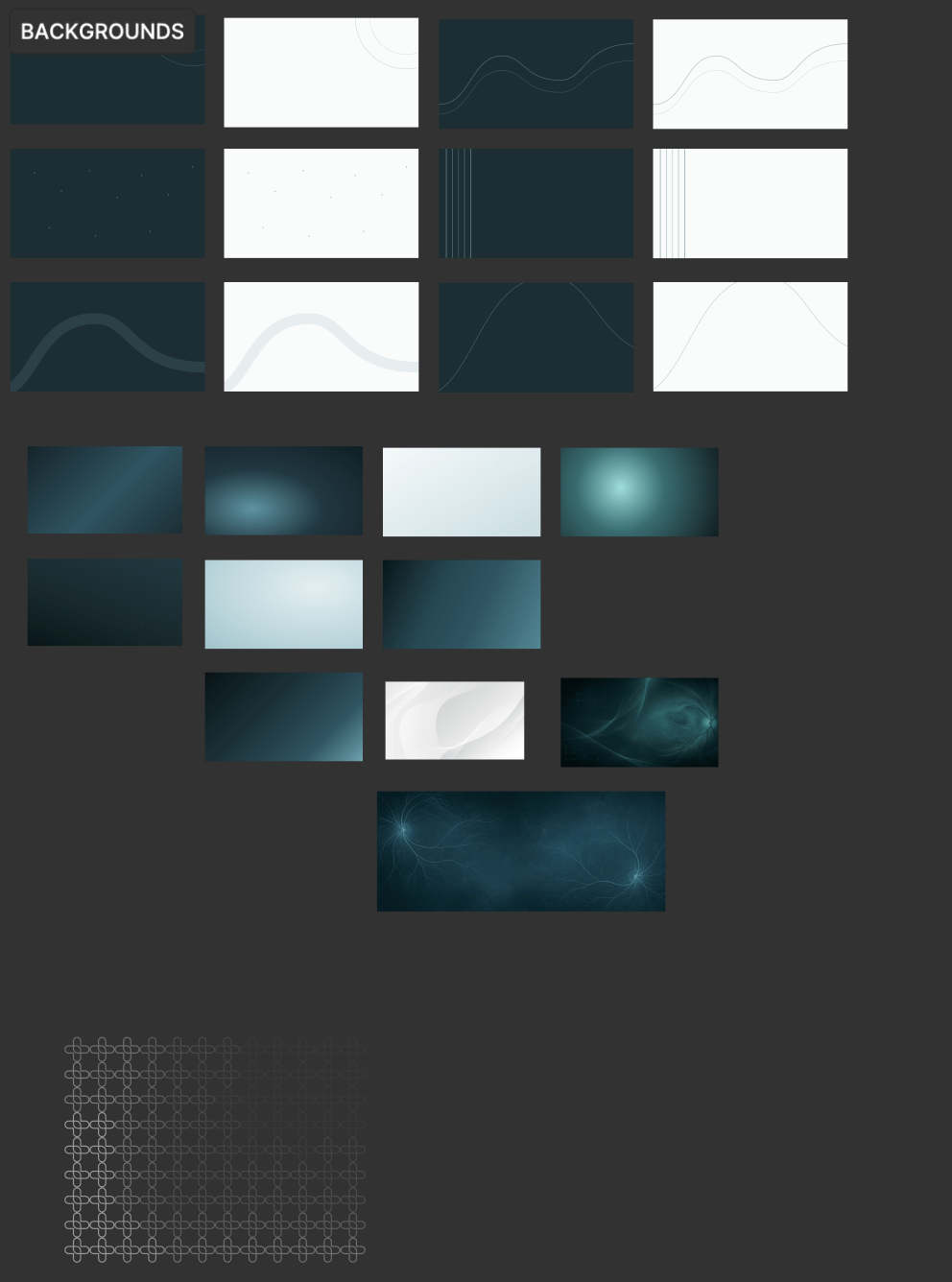
Vera — background visual assets

06

The System in Use

When you zoom out, the work isn't a list of deliverables — it's a visual system. The product, the design library, and the brand materials all pull from the same logic: the same type decisions, the same color relationships, the same underlying values about clarity and trust.

That consistency doesn't happen by accident. It's what a design system does when it's working.

Vera volunteer platform screens
Vera device mockup
Vera Design System
Vera social graphic
Vera campaign graphic